Affiliate links on Android Authority may earn us a commission. Learn more.
I take an Android tablet everywhere I go: These are the best ones you should buy in 2026
Jun 22, 2026 — 9:45 AM ET
I didn’t consider myself a tablet person for a very long time. Sure, I briefly tried to use one to replace my laptop in college, but I quickly learned that it wasn’t quite a like-for-like trade. So, back to the shelf it went, waiting for the day I just wanted a larger form factor for entertainment. And, for a while, I ignored the scaled-up side of Android altogether.
Now, though, things are different. Android tablets are better than ever, and they come in all shapes and sizes, ranging from just larger than a foldable phone to nearly rivaling full-sized laptops. I’m still not sure how many of them I would trust as laptop replacements, but I’ve found that they fill so many more niches than they used to. Here are the best Android tablets that I think you should actually spend your money on.
OnePlus Pad 3: The best Android tablet overall


- Vibrant 144Hz display
- Premium, versatile design
- Phenomenal battery life
- Blisteringly fast charging
- Elite performance
- Punchy speakers
- Rising price tag
- Limited Android version updates
- Basic front camera
- No fingerprint biometrics
If you’d told me just a few years ago that OnePlus would one day make the best Android tablet, I’m not sure that I would have believed you. Sure, it had a solid debut with the OnePlus Pad, but that sub-$500 slate felt more like proof that OnePlus could venture outside the flagship killer realm than it could actually make a top-tier tablet. It packed near-flagship specs and an eye-catching brushed design, but I was never quite sure who it was right for.
Now that we’re onto the OnePlus Pad 3, things have changed. This is a truly flagship-tier tablet, with top-end specs and a price tag to match. And, while I don’t love that OnePlus has nearly doubled the price of its Pad over three generations, I can’t argue with the punch that the Snapdragon 8 Elite chipset and 80W wired charging bring to the table.
That one-two punch isn’t the whole story, either. OnePlus packed its third-generation slate with a 12,140mAh battery that just goes and goes and goes. The company rates it for an almost unbelievable 70 days of standby time, and under normal usage, I’m inclined to believe them. I took the tablet for several weekends away across late spring and early summer, and felt plenty comfortable leaving my SuperVOOC charger at home.
During those weekends of travel, I put the OnePlus Pad 3 through just about every tablet-ready test imaginable. I rewatched Nosferatu on the 13.2-inch LCD panel and felt like the 144Hz refresh rate more than lived up to the task. Are its black tones as deep as they might be on an OLED tablet? No, but I’ll take the higher refresh rate and the very comfortable 7:5 aspect ratio. Besides, with the eight-speaker setup, the Pad 3 seems to make everything sound good. I jumped into Mt. Joy’s album, I Hope We Have Fun, and thought the tablet nailed everything, from the crashing drums to Matt Quinn’s vocals.
There's precious little missing from OnePlus's third-generation tablet, and it's still my go-to for travel nearly six months later.
If there’s one other thing I have to point out, though, it’s the fact that the OnePlus Pad 3 looks more like an Apple product than ever. It draws heavily from the design of the iPad Air, sporting flat sides, even bezels, and a corner-mounted camera bump. It’s not really a big deal to me — there’s only so much you can do with a tablet — but a small part of me misses the central camera circle from the early generations.
Samsung Galaxy Tab S11 Ultra: The best large Android tablet
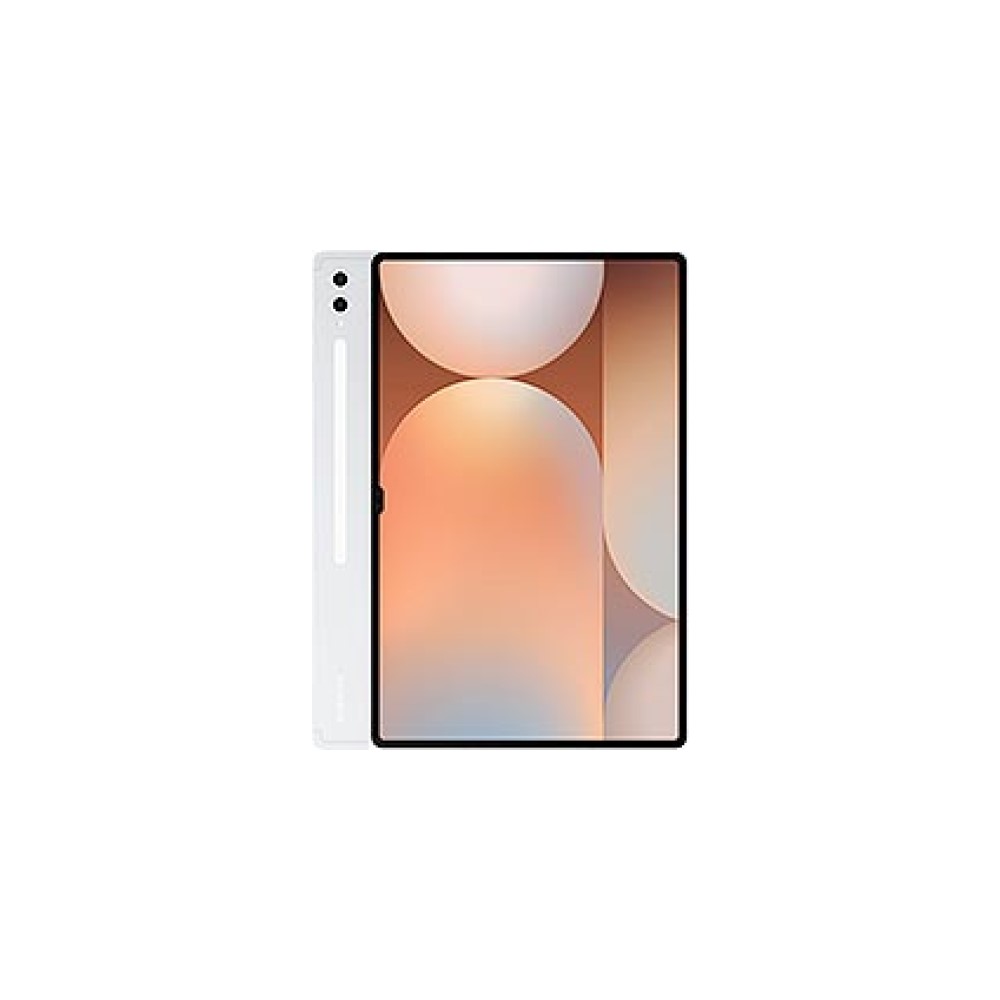

- Stunning 14.6-inch AMOLED display
- Loud, high-quality speakers
- Comes with a free stylus
- Great performance and battery life
- Seven years of updates
- Very heavy and uncomfortable to hold
- Can't run Samsung DeX without an external monitor
- Extremely expensive
If you find yourself on the Samsung side of the Android ecosystem, or you just want an even bigger tablet than the OnePlus Pad 3, the Galaxy Tab S11 Ultra might be right up your alley. Is it significantly more expensive than the tablet we just talked about? Sure, but it also picks up what we’d conservatively call the best tablet display on the market. We’re not just calling it the best because it’s the biggest, either — it just really is that good.
For several years now, we’ve touted Samsung’s wider aspect ratios as some of our favorites for streaming TV and movies, and the Galaxy Tab S11 Ultra is no exception. Its 14.6-inch AMOLED panel is one of the richest and brightest (topping out at 1,600 nits) that we’ve ever used, boasting barely there bezels while binge-watching Gilmore Girls for the eighth (or eighteenth) time.
Of course, with that much display real estate, you’ll probably want to do more than simply stream to your heart’s content, and the Galaxy Tab S11 Ultra is ready for that, too. In our review, we determined that the Dimensity 9400+ chipset was more than powerful enough for dipping into titles like Balatro and Call of Duty: Mobile. It did lag slightly behind the Snapdragon 8 Elite chip in the OnePlus Pad 3, at least in our controlled benchmarks, but we didn’t detect much difference in day-to-day life.
Samsung's biggest tablet is also its brightest and most powerful, no doubt about it.
If there’s one challenge to picking an Android tablet this large, it’s, well, the fact that it’s so large. Measuring at over 323mm (12.8 inches) long and weighing over 690 grams (1.5 lbs), it’s not the type of tablet you tuck under an arm and carry around for an afternoon. Should you have enough space to slot it into a backpack while traveling, definitely do so — especially with a keyboard cover and the included stylus — just keep in mind that it’s not the type of tech to disappear in your bag.

Lenovo Legion Tab Gen 5: The best small Android tablet
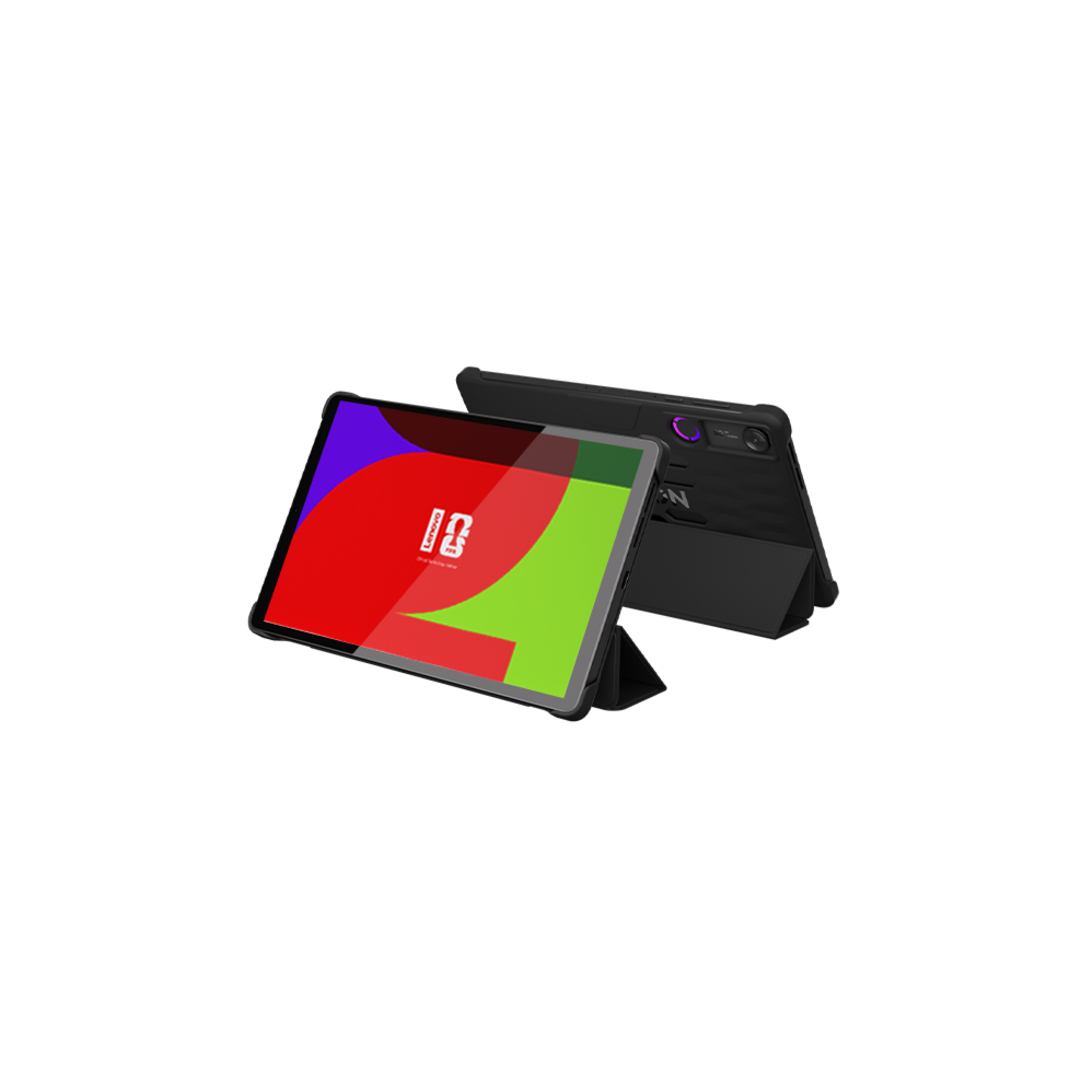
- Outstanding gaming performance
- Compact, lightweight design
- Huge battery with bypass charging
- High-quality 165Hz display
- Dual USB-C ports add versatility
- Pricey
- LCD instead of OLED
- Preloaded bloatware
The compact Android tablet space isn’t exactly crowded with great options, which makes the Lenovo Legion Tab Gen 5 easier to recommend than its $849 price tag might initially suggest. This is a tablet built for one gaming above all else, and it doesn’t pretend otherwise, which makes it a great pick if you want a smaller design tablet that’s also an absolute powerhouse.
Under the hood, you get a Snapdragon 8 Elite Gen 5 chipset, 12GB of RAM, and 256GB of UFS 4.1 storage with microSD expansion — the kind of spec sheet that makes most gaming phones look over their shoulder. The 9,000mAh battery is enormous for an 8.8-inch tablet, bypass charging keeps things cool during marathon sessions, and at 360 grams it’s light enough that you’ll actually want to hold it for hours at a time. The box even comes loaded with a 68W charging brick, a kickstand case, and a screen protector with an applicator kit. The $849 price point is definitely on the high side, but this is a genuinely generous package overall.
The display is the one area where Lenovo made a call that’ll divide people. It’s an LCD panel, not OLED, and that’s a harder pill to swallow than it might be on a cheaper tablet. That said, it’s a very good LCD — 8.8 inches, 3K resolution, 165Hz refresh rate, and up to 800 nits of brightness, covering the DCI-P3 color gamut with 12-bit color depth. In practice it looks great, and the 165Hz ceiling is higher than most OLED tablets can match. Whether the smoothness trade-off is worth the contrast and black level hit is a personal call, but it’s worth knowing going in.
The Legion Tab Gen 5 is the easiest way to get flagship-level gaming in your bag without flagship phone compromises.
The dual USB-C ports are a smarter inclusion than they might sound. One sits on the short side for charging while you play, the other on the long edge with USB 3.2 Gen 2 and DisplayPort support — meaning you can hook this up to a monitor while keeping it topped up, effectively turning it into a portable console. Wi-Fi 7, Bluetooth 6.0, Dolby Atmos dual speakers, and dual X-axis haptic motors round out a hardware package that takes gaming seriously. The bloatware is a genuine annoyance — Lenovo preloads a stack of apps that have nothing to do with gaming, and not all of them can be uninstalled — but it’s a one-time irritant rather than an ongoing one.
If you want the best compact Android tablet you can buy right now, this is it.
Samsung Galaxy Tab S10 FE: The best Android tablet under $500

- Great battery life
- Upgraded wired charging
- Solid commitment to software updates
- Just enough AI features
- Durable IP68 rating
- LCD instead of OLED panel
- Quarterly updates rather than monthly
- Expensive accessories
If you decide not to narrow down your next Android tablet by size, the next easiest way to choose is to set a budget and stick to it. And, much like the world of cheap Android phones, some of the most exciting Android tablets are the ones that won’t hurt your wallet too badly. Among them, we’re inclined to call Samsung’s Galaxy Tab S10 FE the perfect middle child — a compliment of the highest order. It lands almost perfectly between the Galaxy Tab S series and the Tab A series, pulling the best of both worlds for under $500.
Perhaps the best example of Samsung’s mid-range mentality is the overall design of the Galaxy Tab S10 FE. Its 90Hz LCD panel is a near copy of the type used by Samsung on its more affordable models, while the 16:10 aspect ratio is identical to that seen on the streaming-friendly premium lineup. And, when your movies and shows have the real estate to fill most of the display without losing too much to the margins, it’s easy to ignore when the blacks aren’t super black, and the refresh rate could be higher.
Samsung's Galaxy Tab S10 FE is a top pick for Galaxy fans on a budget.
Also drawn from the premium end is the Galaxy Tab S10 FE’s overall build, which combines aluminum with an IP68 rating for added peace of mind. I feel comfortable taking it out and about on days where I’d rather leave the Legion Tab Gen 3 at home, and the Exynos 1580 chipset ensures that I’ll have enough power to tackle the basics. It’s certainly not a gaming chipset, but it sips power from the 8,000mAh battery rather than chugging it, making it very easy to ditch your charger for a few days at a time.
The Galaxy Tab S10 FE even manages to go mid-range in terms of Galaxy AI features, too. It doesn’t dive in quite as deep as Samsung’s flagship slates, skipping some of the more generative options like Photo Assist and Drawing Assist in favor of Handwriting Assist and Math Solver. They’re the types of wrinkles that work best with the included S Pen, making this sub-$500 tablet a great pick for students of all ages.

Lenovo Tab Plus: The best Android tablet under $300

- Built-in kickstand
- Fantastic speakers
- Long battery life
- Super-fast charging
- Good price
- Heavier than other tablets of its size
- Screen could be brighter
- Average performance
- No cellular option
Stepping down the ladder a few hundred dollars, the Lenovo Tab Plus might be the most unique-looking tablet on this list. From the front, it resembles just about any other Android slate, featuring even bezels and a landscape-oriented selfie camera. Flip it over, though, and you can immediately see its two-tiered design that houses extra goodies like a pair of punchy speakers and a folding kickstand. And yes, this is the only option on our list that comes with a built-in kickstand — good work, Lenovo.
Of course, Lenovo would probably prefer that you get excited over its dual JBL-branded speakers, which push 26 watts of audio, and we agree with them. The speakers really are impressive, offering more than enough volume to fill a room with music, movies, or YouTube videos as you pass the time. You might muffle the sound just a bit depending on how you hold your tablet, but we had no complaints about volume when propped up with the kickstand.
Also, while you can usually hold Android tablets in a few different ways, the Tab Plus has a pretty clear top and bottom. We tried to hold it upside down, using the narrower top half as our grip, but pretty quickly realized that it’s much more comfortable to hang onto the thicker part. You don’t wind up feeling like you’re holding a razor-thin slate so much as a comfortably reassuring tablet, almost like it has a built-in case.
Lenovo's dual speakers give the Tab Plus plenty of musical punch.
Given our current limitation of $300, there are a few key points to note about the Lenovo Tab Plus. For starters, its MediaTek Helio G99 chipset is capable but not thrilling. It’ll power through video streaming and web browsing, but it won’t keep you in the most demanding of gaming titles for very long. The Tab Plus isn’t the brightest Android option on the market, either, so you may need to lower your window shade if you want to rely on this one for in-flight entertainment.

Samsung Galaxy Tab A11 Plus: The best Android tablet under $200
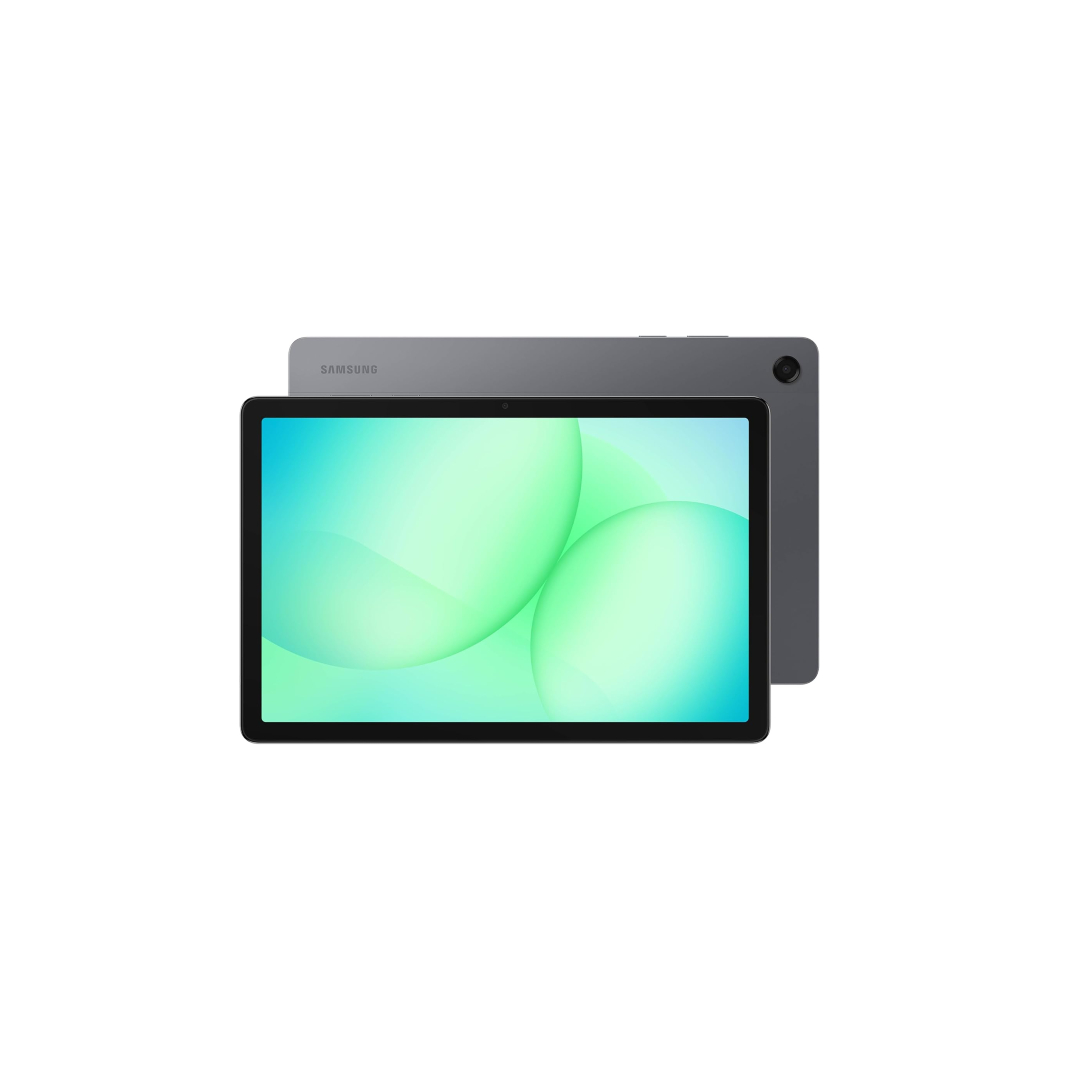
- Capable MediaTek chipset
- Seven years of software support
- 25W wired charging
- 5G model option
- Outdated TFT display panel
- No physical fingerprint scanner
- No S Pen support
Alright, so listen — our next pick is a bit of a cheat. We’re going to call the Galaxy Tab A11 Plus the best Android tablet that you can get for less than $200, but we’re also going to acknowledge that it retails for $249. The reason we think it still fits as a great pick for such a tight budget, though, is that you can find it on sale for less than $200, and there is no competitor that can match it on value, even at MSRP.
Samsung was absent from the budget tablet market for two years after the Galaxy Tab A9 Plus, and with the Galaxy Tab A11 Plus it doesn’t exactly arrive with fireworks. The dimensions are identical to the two-year-old model it replaces, down to the millimeter, and the display is the same aging TFT panel Samsung should have swapped out the first chance it got. And yet, if you’re shopping under $200 and need a reliable Android tablet that’ll still be getting software updates in 2031, the Tab A11 Plus is almost certainly what you’ll end up buying.
The display is the one area where Samsung made a call that’s genuinely hard to defend. TFT LCD is an aging panel technology that most manufacturers have moved past, and you’ll notice the narrower viewing angles and flatter contrast any time you’re watching something from a slightly off-angle or in a bright room. At 480 nits peak brightness and 1,920 x 1,200 with a 90Hz refresh rate, the numbers are fine — you do adjust after a few days — but it’s still the thing you’ll wish Samsung had fixed. The glare from the cover glass makes it worse, particularly indoors under overhead lighting.
The Galaxy A11 Plus may not be all that exciting, it's still the best in its class.
Where the Tab A11 Plus earns its place is everything else. The MediaTek Dimensity 7300 chipset is one of the better options you’ll find in a budget Android tablet right now, handling everyday tasks and casual gaming without getting in the way. Apps open quickly enough, the 6GB of RAM keeps things moving through most use cases, and the 7,040mAh battery will push comfortably into a second or third day of light use. The 25W charging is a genuine step up at this price, and the optional 5G model works reliably across all major US carriers — a rare option in this segment. One UI 8 on top of Android 16,
Samsung’s seven-year update commitment, DeX mode, split-screen multitasking, and solid ecosystem integration round out a package that punches above its weight on software even when the hardware tells a more modest story. The cameras are strictly functional and best ignored, and the lack of a fingerprint scanner means you’re relying on face unlock or a PIN. But as a basic, dependable tablet that’ll stay supported long after its competitors have been abandoned, the Tab A11 Plus makes a strong case for itself — especially once the price dips where it needs to be.

Google Pixel Tablet: The best smart home hub hybrid
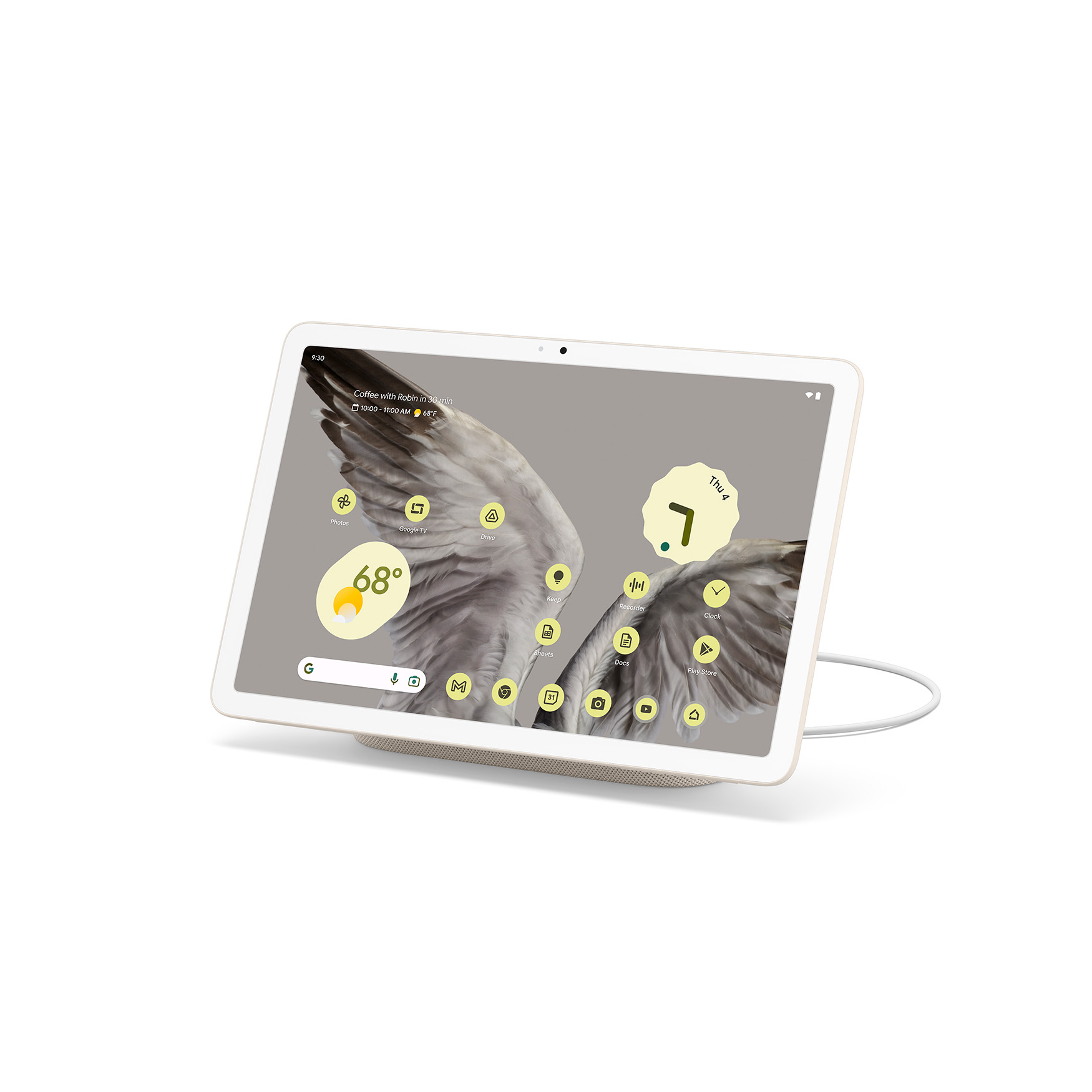
- Unique Nest Hub-like dock
- Decent battery life and reliable charging
- Good audio on and off the dock
- Pixel-exclusive software features
- Long-term update policy
- Lacks several key Nest Hub features when docked
- Sluggish 60Hz display
- Tensor G2 gets hot
- Low-res cameras and limited video options
- Exorbitant price for additional docks that do nothing on their own
I’ve hit the portability of tablets pretty heavily so far. I mean, who doesn’t love a big screen that’s easy to take just about anywhere? But if you’re Google, you tend to do things just a little differently. If you’re Google, you design your first tablet in years to double as a smart home hub any time you pop it onto its included stand — and that’s just what makes the Pixel Tablet worth buying.
Don’t get us wrong, the Pixel Tablet probably wasn’t worth buying when it launched, and we said as much. We felt like its ‘jack of all trades, master of none’ approach left it, well, a master of none. It wasn’t quite up to rivaling Google’s existing Nest Hub Max, nor was it as well-rounded as many of Samsung’s Galaxy Tabs. Since then, though, a series of updates has breathed new life into the slate.
We couldn’t be happier that Google has stuck by its Pixel Tablet over time, adding an automatic feed for Nest doorbells when the camera senses a would-be visitor or delivery person. The reworked dashboard is also much better, allowing you to jump right into many of your most frequently used apps and services without having to navigate through nearly as many menus.
The Pixel Tablet has improved by such a margin since launch that it's worth buying now more than ever.
Google’s Pixel Tablet has also improved as a tablet, adding notification syncing across your other Pixel devices, such as phones and watches. We’ll happily dismiss a notification once and see it disappear on all our devices, rather than seeing Chelsea FC fall to Atalanta on our phones, tablets, and watches. It’s also pretty cool that you can swap music from your phone to your Pixel Tablet simply by bringing them near each other — and we imagine Google will continue to add features via Pixel Drops for a while to come.

Honorable mentions
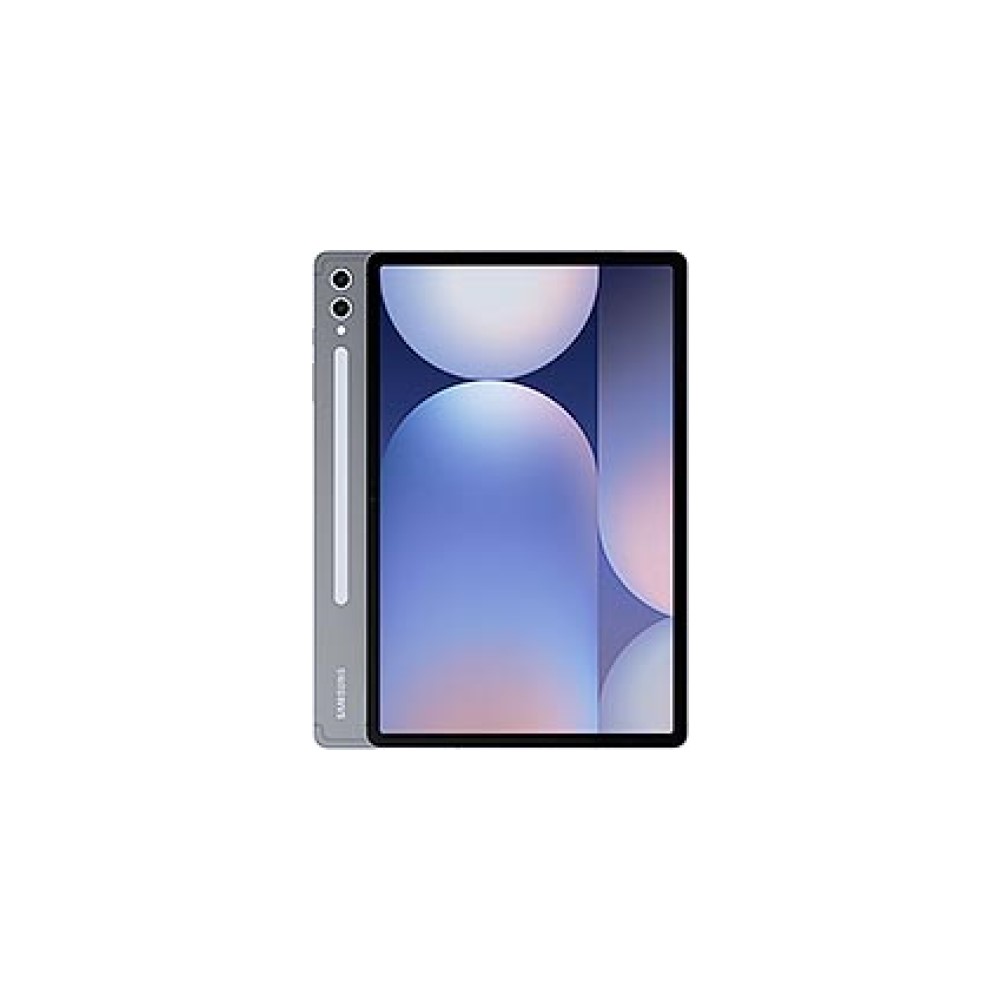
It wouldn’t take much for us to give Samsung’s Galaxy Tab S11 a full slot on this list — it’s a pretty good tablet. The only thing holding it back, though, is that it doesn’t have a specific niche. It’s pretty good all around, offering a crisp display, solid processor, and a wide range of accessories, but it doesn’t stand as the best gaming option or the largest display for the money.

This runs the Galaxy Tab S10 FE very close for the title of best tablet under $500, but gets the runner-up medal because of its relatively lackluster update policy and heft. If you can look past those two things, though, the Lenovo Idea Tab Pro is a fantastic tablet for media and productivity, all at a very reasonable price.

Amazon has slowed its flow of Fire tablets in the last few years, but they’re still worth mentioning. No, they don’t technically run Android (call them Android-adjacent), but they’re some of the most affordable slates you can buy. You get easy access to things like your Kindle library and Prime Video, and the compact designs are very easy to slot into a bag and take on the go.
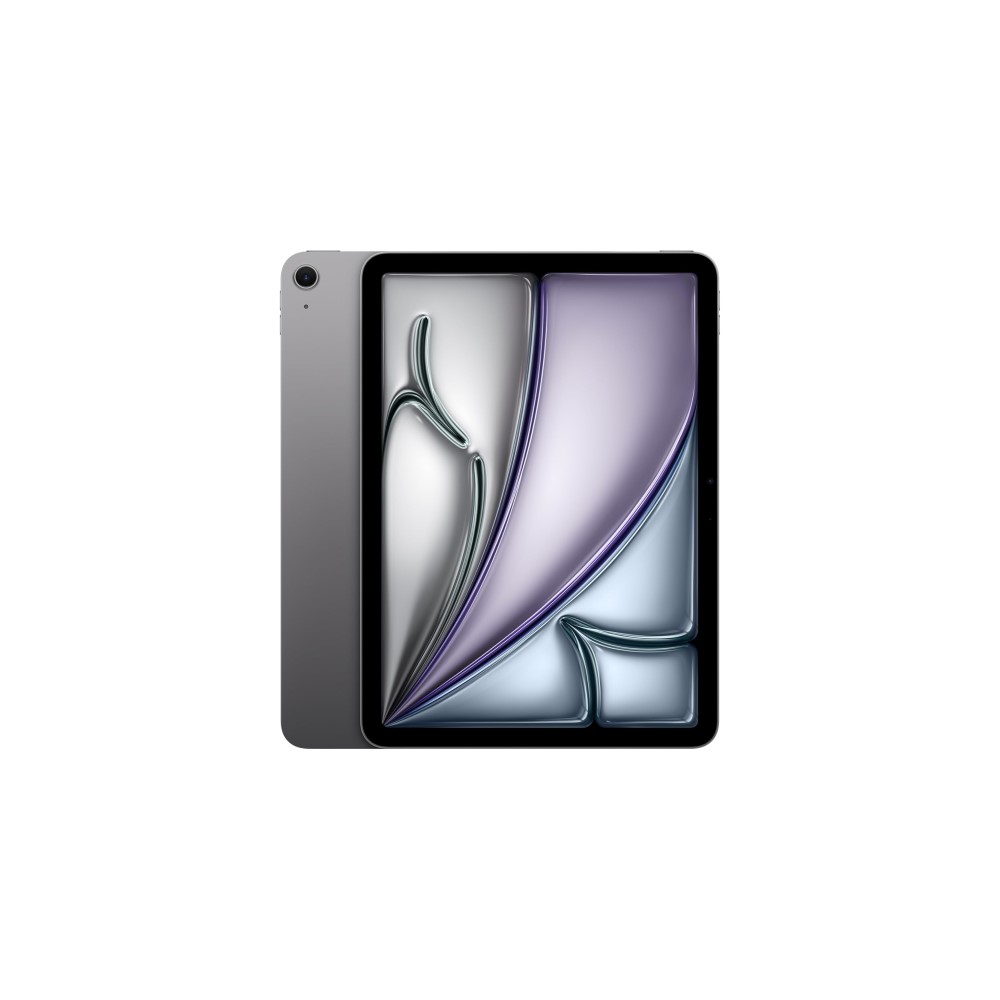
Since we’re already a bit loose with the rules, let’s add an iPad to the list as well. While we prefer Android tablets, there’s no denying that some of our favorite slates pull pretty heavily from the iPad Air, pairing ultra-slim designs with flagship chipsets and clean software. So, if you’re willing to walk on the iPadOS side, this is the slate to do it with. It makes the most of its battery life and is in line to receive updates longer than most competitors.
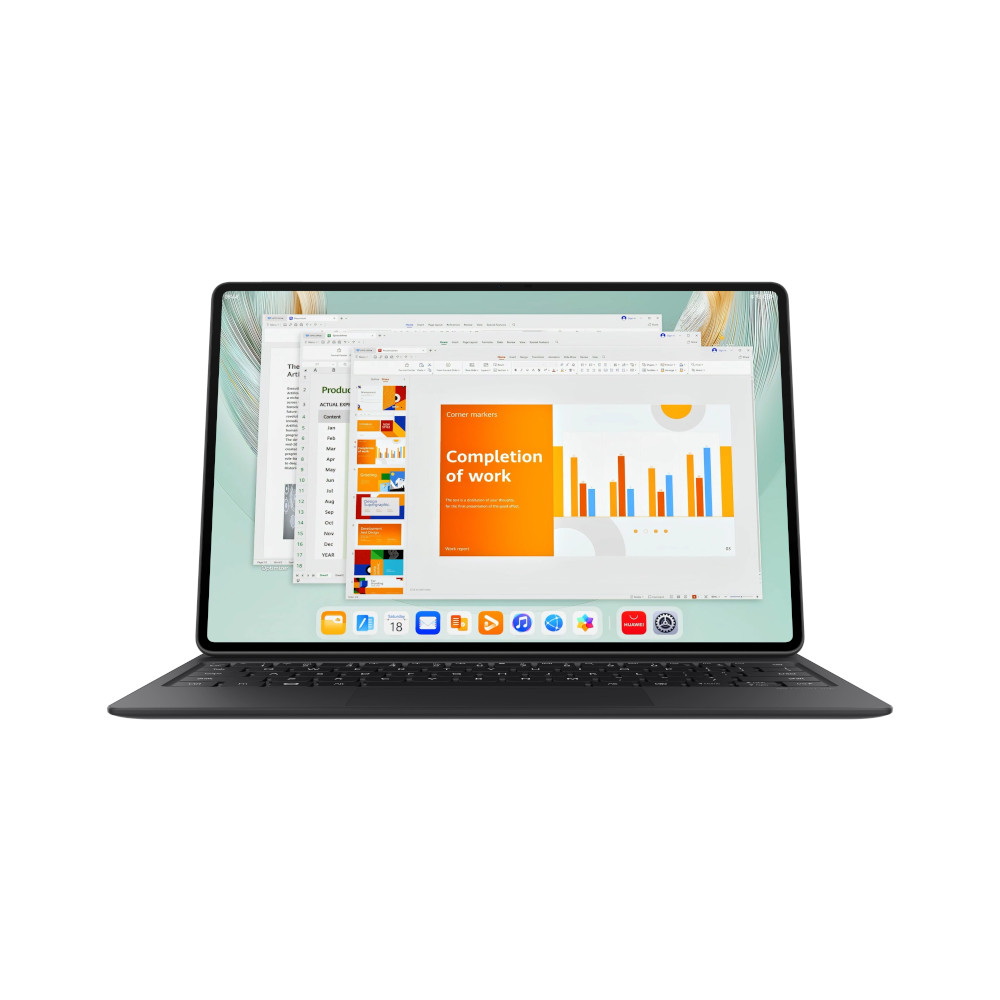
Switching back to Android — well, kind of — we have the HUAWEI MatePad Pro. It’s closer to a standard Android experience than the last two honorable mentions, but it lacks access to Google’s Play Store, which makes life more challenging. You’ll have to source most apps from the App Gallery and supplement them with APKs, but the premium hardware and crisp OLED display will reward your patience.
What to look for in a good Android tablet

Shopping for a new Android tablet is every bit as hard as finding your next phone — if not harder. While you probably won’t have to worry about a cellular plan (unless you want one), there are plenty of other criteria to consider. Some things that we look for are obvious, such as battery life and build quality, but other factors might not be so straightforward to identify.
Buying a tablet is like buying a phone... just bigger and a little more complicated.
Take a minute to check out a few things we consider must-have features before buying an Android tablet. You might not agree with all of them, but even one or two could help to steer your purchasing decision.
- Screen size: Knowing how much of a tablet you can handle is probably the number one factor before you buy. If you want to maximize your portability, you’ll probably want to look at something small like the Legion Tab Gen 3, but that won’t be the best bet to replace your laptop. If you have the space for it, either the OnePlus Pad 3 or Galaxy Tab S11 Ultra will pack a bit more punch.
- Software updates: Software commitments on Android tablets still tend to lag behind those on smartphones, but the gap is closing. You won’t typically find seven years of support, nor will your new slate be at the front of the line for updates, but as we saw with the Pixel Tablet, there’s always a chance that you’ll gain a wealth of new features over time.
- Build quality: Selecting an Android tablet based on its build quality usually means spending a little bit more for a more durable slate. Top options, such as the Galaxy Tab S11 series and OnePlus Pad 3, use aluminum from top to bottom, whereas plastic becomes more common at budget-friendly and mid-range price points.
- Accessories: Most tablet buyers can also acknowledge that these devices aren’t meant to be used with one hand. You can do so with a small tablet, but most larger options require accessories like a kickstand, a keyboard, and a stylus to unlock the full range of possibilities. Both Lenovo and Samsung have pretty excellent ecosystems to draw from, and the Pixel Tablet takes a very interesting approach by adding smart home-centric extras.
- Battery life: Another “bigger is better” feature to look for is battery life. Yes, larger tablets tend to have bigger batteries, and sometimes that means they last longer. Other times, though, the bigger battery has to power a larger display, and the extra milliamp-hours might come out to a wash.
- AI features: We’re not at the point where Android tablets offer the same AI features as their smartphone counterparts, but we’re not far off. We’ve seen the basics, such as Circle to Search, make their way across, along with a few writing tools and Gemini Live, but don’t expect to find calling features or some of the more advanced image generators, like Google’s Pixel Studio.
- Audio tuning: One thing we’ve really come to appreciate about the best Android tablets is that they get special treatment when it comes to audio. Lenovo has partnerships with both Harman/Kardon and JBL to tune its speakers across various products, and Samsung has relied on AKG for several years to ensure its multi-speaker setups sound great.
- Smart home support: And, of course, there’s smart home support. Sure, it’s Google’s bread and butter with the Pixel Tablet, but you can also monitor your video doorbell and home security feeds from plenty of other tablets. They may not offer the same intuitive hub support that Google does, but you might find that what you give up in smart home features, you gain in standard tablet capabilities.
Why you should trust me

I know I started this list by saying that I didn’t really like Android tablets for a long time. I’ll stand by that — I just couldn’t find a way to make them feel useful enough for me to carry around. These days, though, I’m a changed man, carrying a tablet of some kind with me almost everywhere I go. If I’m traveling far enough that I need a backpack, you can bet that I have a tablet slipped into my laptop pocket.
I've had a love-hate relationship with Android tablets since the Nexus 9, but now it's all love.
Even better, I’ve hit the point where I only need a tablet in that laptop pocket. Yes, it’s going to be a tablet with a keyboard, so I’m not furiously trying to tap out emails on a 12-inch display, but it still counts. I’ve taken more than my share of tech briefings, using only a tablet for notes, jotting down specs and software features as quickly as I can type.
And, of course, I’ve spent a lot of time reviewing Android tablets at this point. I have an entire shelf in my apartment dedicated to the ghosts of tablets past, carrying several iPads, Galaxy Tabs, and a few generations of the OnePlus Pad all in one convenient place. Occasionally, I’ll still even pull one out and power it up just to revisit an ecosystem I haven’t used in a while — only to go back to the OnePlus Pad 3 after a couple of days of exploration.
What do you look for in a great Android tablet?
If you really want to know where my history with Android tablets began, I must admit that I started with Google’s Nexus 9. I loved everything about the look of that tablet, from the sandstone-like back panel to the iPad-like display, and I tried to make it work for as long as I could. That was back before Google really started to figure out its large-screen Android experience, so I found just as many holdups as I did highlights. Not one to be defeated, though, my Nexus 9 still has a place on my tech shelf of memories.
Thank you for being part of our community. Read our Comment Policy before posting.