Affiliate links on Android Authority may earn us a commission. Learn more.
5 Android keyboard apps you should use instead of Gboard
4 hours ago



The keyboard is probably the one app you use more than anything on your Android phone. And yes, Gboard is excellent — let’s get that out of the way.
But the thing is, not everyone wants the same thing from a keyboard. Some people care more about privacy, others want endless customization options, and some just want features that Gboard lacks. Thankfully, Android gives you plenty of alternatives.
So if you’re ready for a change, here are the best Gboard alternatives worth trying.
If Gboard disappeared tomorrow, which keyboard would you switch to?
Microsoft SwiftKey
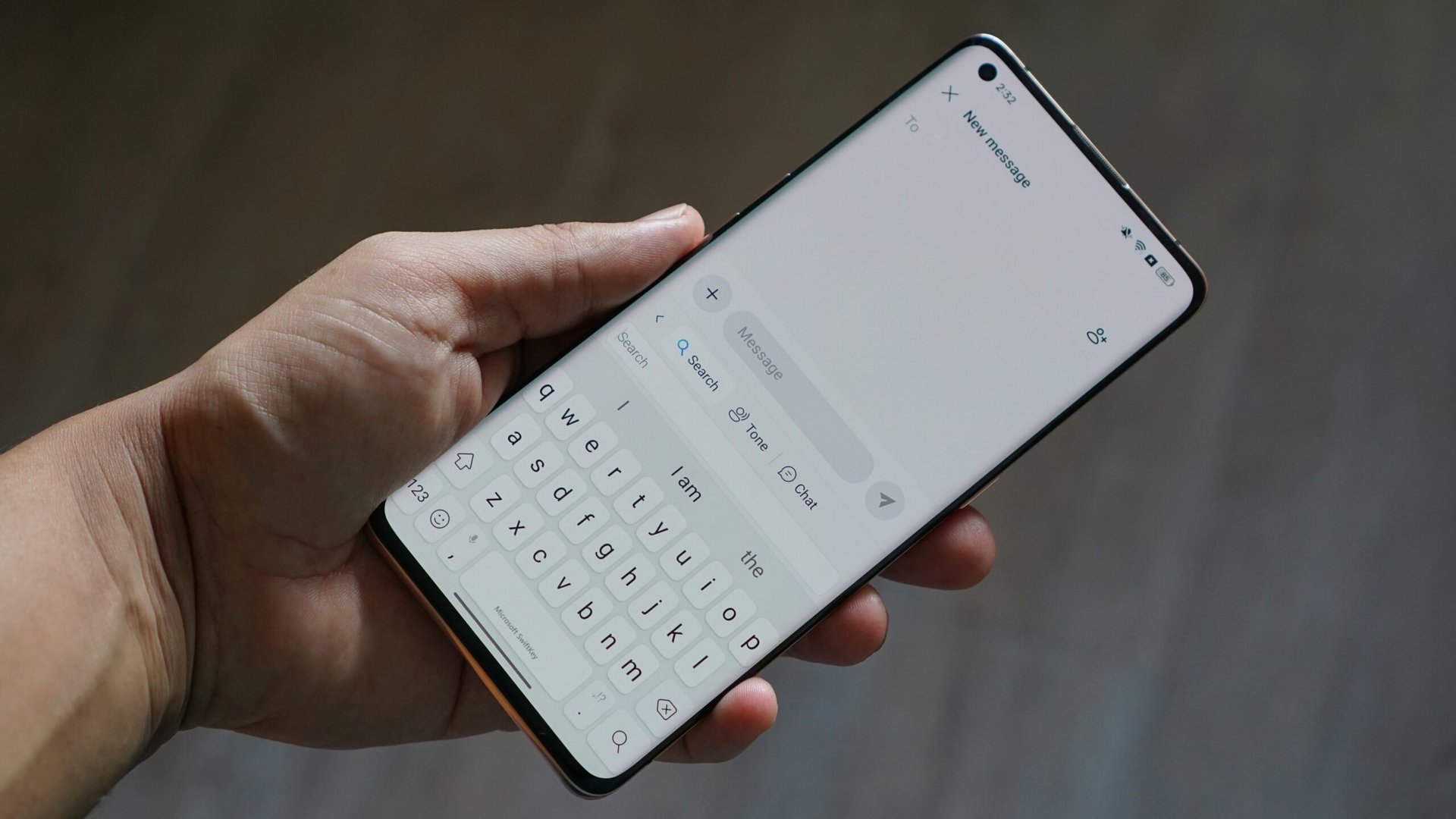
SwiftKey is arguably the most popular Gboard alternative, and it’s not hard to see why. It gets all the basics right, but there are a few areas where it simply outshines Gboard.
The biggest one is customization. SwiftKey goes well beyond the standard color and gradient theme options and offers useful layouts, like split mode, that are handy for typing on a large phone. So yes, if tweaking your keyboard’s look and feel is your thing, SwiftKey gives you plenty of room to play.
Like most Microsoft apps these days, SwiftKey also has Copilot, which also explains why “AI” is now part of its name. It essentially acts as a built-in assistant. After you’ve typed a message, you can have Copilot fix its grammar or rewrite the whole thing to adjust its tone. It can make it sound friendlier, wittier, casual, professional, or polite. Gboard offers a similar feature called Writing Tools, but it’s only available on select devices. That’s not the case with SwiftKey.
Finally, if there’s one feature that SwiftKey doesn’t get enough credit for, it’s clipboard syncing with Windows. I know this won’t matter to everyone, but if you regularly switch between a phone and PC, this can be a huge convenience. All you have to do is use the same Microsoft account on both devices, and you’re set.
HeliBoard

As good as Gboard and SwiftKey are, they’re still products from Google and Microsoft, which means they do collect some data one way or another. If you want a privacy-focused keyboard, HeliBoard is one of the best alternatives. It’s a free, open-source keyboard app that works entirely offline. There are no accounts to sign into or AI bloat. Everything stays on the device itself, which is HeliBoard’s biggest selling point.
Privacy-focused doesn’t mean HeliBoard is barebones, though. It has everything you’d expect from a modern keyboard app, including autocorrect, gesture typing, clipboard history, and incognito mode. HeliBoard is also big on customization — and no, I’m not just talking about themes and layout options. It lets you do things like add custom text to the spacebar, adjust bottom and side padding, change keyboard font style, and even set a default emoji skin tone.
The only real downside with HeliBoard is that it isn’t available on the Play Store. You need to get it from GitHub or F-Droid, which isn’t particularly difficult, but it’s still an extra step.
FUTO Keyboard
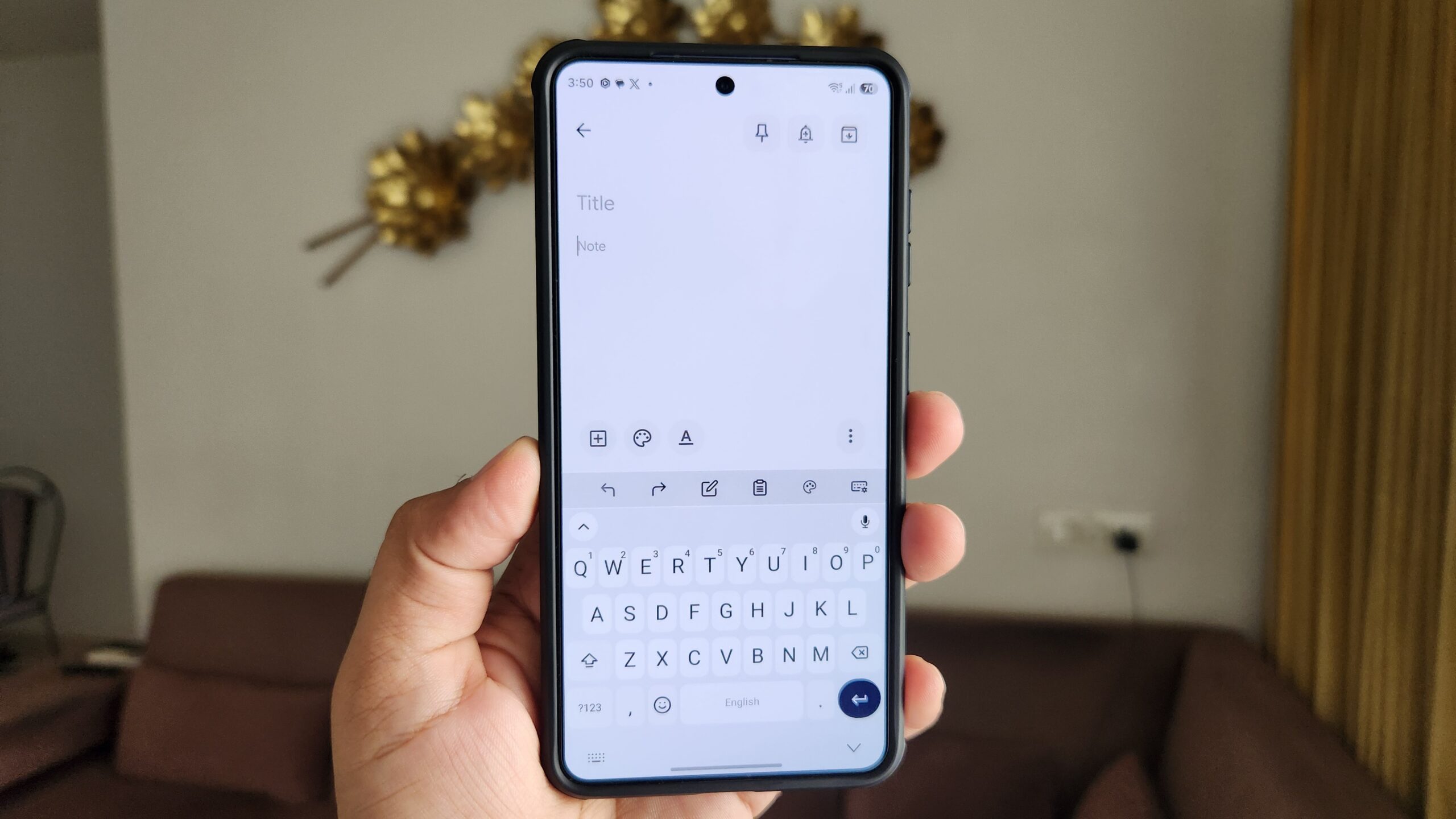
FUTO Keyboard is the closest thing to a 1:1 replacement for Gboard. And just like HeliBoard, it’s free, open source, and works offline. In other words, FUTO Keyboard kind of gives you the best of both worlds.
One of its headline features is offline voice typing. It uses a Whisper-based model that runs locally on your phone. You can even install larger models for better accuracy, although they take up more storage space and may not work particularly well on budget Android phones. Beyond that, FUTO Keyboard doesn’t give you much to complain about when it comes to things like the typing experience, autocorrect, gesture support, and customization. And unlike HeliBoard, you can get it directly from the Play Store.
The only catch with these offline keyboard apps is that you don’t get conveniences like cloud-synced personal dictionaries or clipboard syncing across devices. And, of course, you also miss out on AI-powered writing tools. But if you’re fine with these trade-offs, FUTO Keyboard is well worth a try.
Samsung Keyboard

If you have a Galaxy phone, you honestly don’t need to look for a Gboard alternative, because one of the best options is already pre-installed. Samsung Keyboard doesn’t get much attention since it’s exclusive to Galaxy devices, but it’s every bit as good as the other keyboards on this list.
Samsung Keyboard’s biggest advantage is its integration with One UI. For instance, it gives you access to Galaxy AI’s writing tools, which go far beyond simply fixing grammar and changing the tone of your text. Galaxy AI can generate messages from scratch, summarize long blocks of text, and even organize information into a table format. Another feature I feel deserves attention is the Samsung Pass integration. It lets you access your login credentials, addresses, credit cards, and private notes directly from the keyboard itself, which is quite convenient.
Where Samsung Keyboard really hits home, though, is with customization. Once you install Samsung’s Good Lock app and its KeysCafe module, you can tweak almost everything about the keyboard, including colors, effects, font, and typing sounds. It even lets you build a custom keyboard layout from the ground up, so you can move keys around and set things up exactly how you want. Keys Cafe also unlocks handy two- and three-finger gestures that let you perform actions such as undo, redo, copy, paste, and even start voice typing.
Simple Keyboard
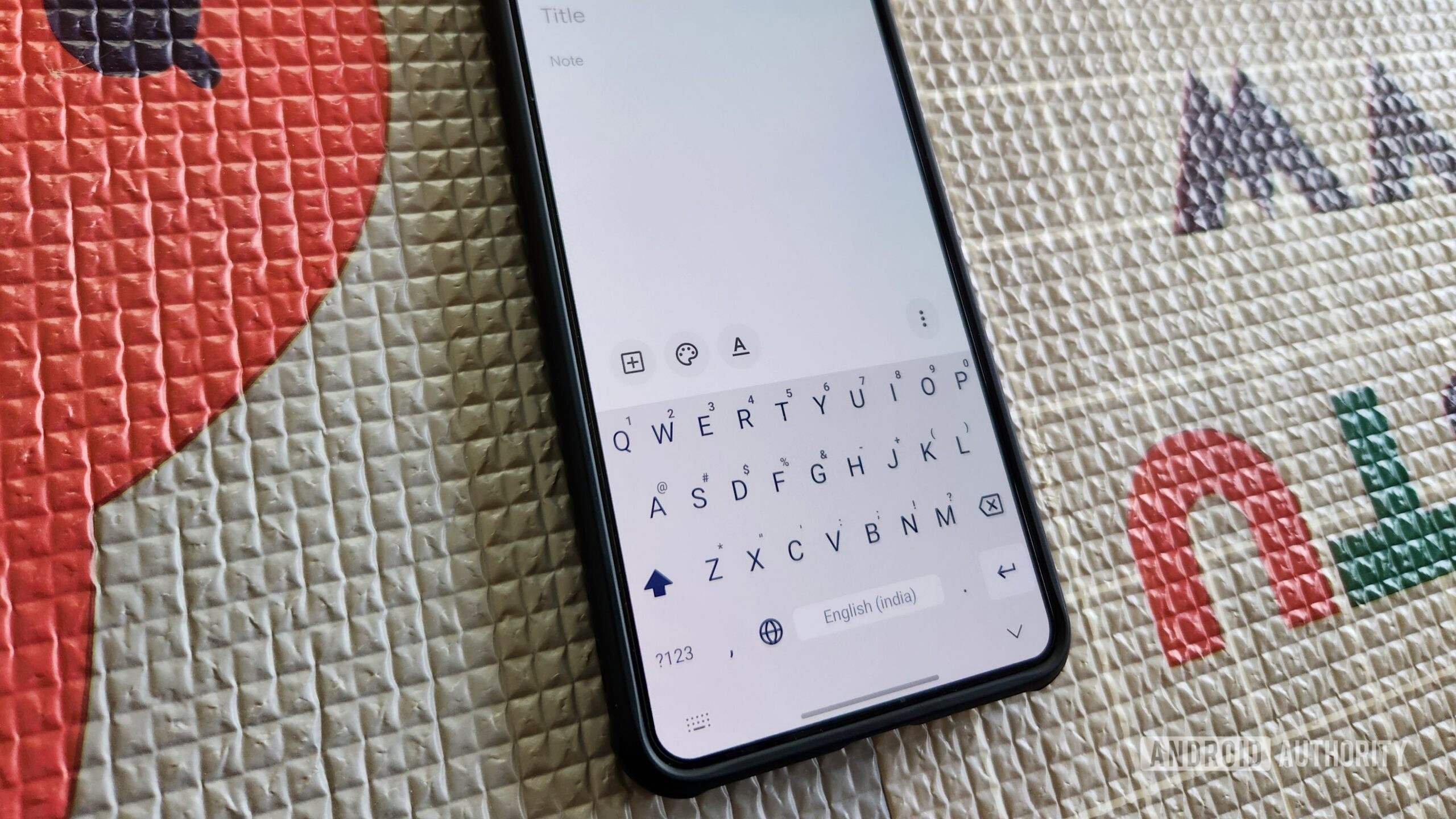
The thing about most keyboard apps is that they sometimes try to do a little too much. AI tools, cloud sync, voice typing, clipboard managers, translation features — the list keeps growing. Simple Keyboard takes the exact opposite approach, and that’s what makes it interesting.
As the name suggests, it’s about as barebones as an Android keyboard can get. You get a standard keyboard layout, height adjustment options, light and dark themes, and some basic gestures. That’s pretty much it. There are no accounts to sign into, no spell check, no autocorrect, no swipe typing, and not even an emoji panel. Heck, it doesn’t even have a toolbar because there’s nothing to put there. The developer also explicitly states on the Play Store listing that these extra features won’t be added in the future.
It’s a simple keyboard (pun intended) and nothing more, which also makes it a fairly niche recommendation. The upside of stripping everything back, however, is that Simple Keyboard is incredibly lightweight. It’s less than 1MB in size and doesn’t request any permissions other than vibration access.
Do you have a favorite keyboard app that isn’t on this list? Tell us about it in the comments below.
Thank you for being part of our community. Read our Comment Policy before posting.