Affiliate links on Android Authority may earn us a commission. Learn more.
Here's how Pixel 11 Pro HiLight will work with Google Contacts
Aug 5, 2026 — 3:26 PM ET



- Pixel 11 Pro model phones are getting a new hardware notification light, called HiLight.
- We’ve known for a while to expect it to work with your contacts, but lacked details.
- Now a new app teardown reveals how HiLight will function with Google Contacts.
Google’s new Pixel 11 phones are just one more week away, and this year we’re expecting at least one notable change to the family’s hardware, with the arrival of Pixel Glow the HiLight notification system on Pro models. We’ve seen it over and over in both leaks and official Google imagery, with its little colored circle pulsing away. But what exactly are we going to be able to do with it? Today we get a little bit closer towards learning what Google has planned for it.
You’re reading an Authority Insights story. Authority Insights brings you all the latest exclusive reports, app teardowns, leaks, and in-depth tech coverage from the Android Authority team that you won’t find anywhere else.
As you may remember, back when we were first uncovering evidence towards work on the feature, we saw Google describe it as “subtle light and color to stay informed when your device is face down.”
We also learned that Google was planning to build out support for using it to alert you about specific contacts, with text strings mentioning “Subtle lights when your favorite contacts call you.”
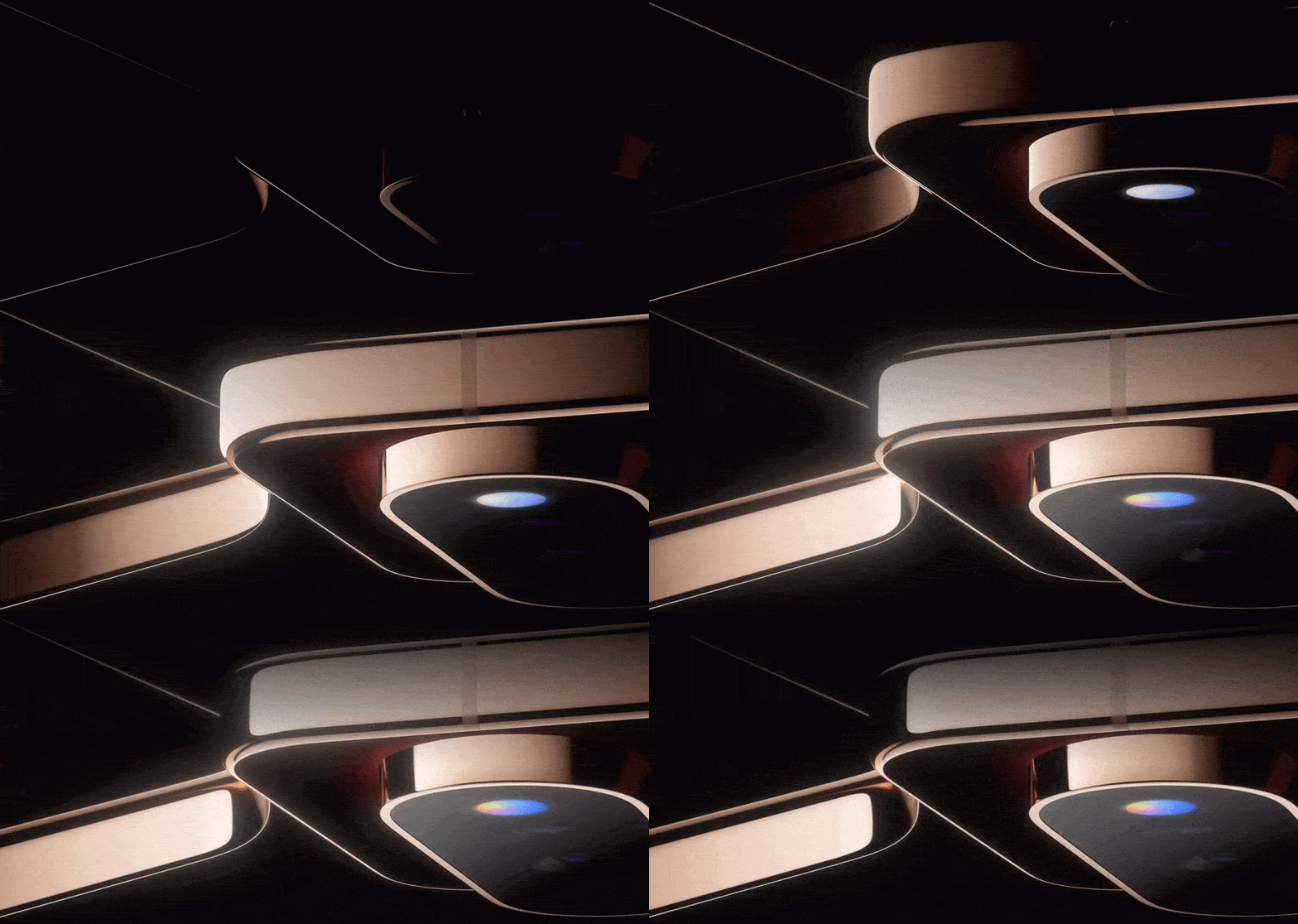
Looking at some of the changes present in Google’s version 4.85.26.956868485 update of Contacts for Android, we find a number of new strings that paint the picture of assigning custom HiLight notification colors for individual contacts:
<string name="glow_title">HiLight</string>
<string name="glow_enable_favorite_calls">Tap to configure HiLight for favorite callers</string>
<string name="glow_promo_card_dismiss_dialog_all_contacts_button">All contacts</string>
<string name="glow_promo_card_dismiss_dialog_body">Dismiss this suggestion for all contacts or only this contact?</string>
<string name="glow_promo_card_dismiss_dialog_this_contact_button">This contact</string>
<string name="glow_promo_card_subtitle">Assign a custom glow color for when they call</string>
<string name="glow_promo_card_title">"Set %s's HiLight"</string>
<string name="glow_promo_card_title_no_contact_name">Add a notification color</string>
And as you can see, Google’s giving us our pick of colors:
<string name="glow_color_blue">Blue</string>
<string name="glow_color_cyan">Cyan</string>
<string name="glow_color_green">Green</string>
<string name="glow_color_none">None</string>
<string name="glow_color_orange">Orange</string>
<string name="glow_color_pink">Pink</string>
<string name="glow_color_purple">Purple</string>
<string name="glow_color_teal">Teal</string>
<string name="glow_color_white">White</string>
<string name="glow_color_yellow">Yellow</string>
What we don’t see there is any “rainbow” option, like has featured prominently in Google’s Pixel 11 marketing imagery. Perhaps that might suggest that HiLight going multi-color could convey special meaning, if apps aren’t able to use that option themselves.
It’s also feeling increasingly likely that we’re only going to be able to set HiLight to different colors, and it may not support anything like the Nothing Glyph Matrix’s tiny pictures.
With just one week to go until Google’s August 12 launch event, that doesn’t leave us with much time to uncover more of HiLight’s secrets — but we’ll be sure to share anything we do manage to dig up.
Conversation
Read what readers said or add your take.