Affiliate links on Android Authority may earn us a commission. Learn more.
5 Motorola software features I wish were on every Android phone
Jul 18, 2026 — 5:30 AM ET



We give Motorola a lot of criticism for its software. It’s justified — Motorola’s update practices are nothing short of terrible, and they deserve to be called out.
Ignore updates, though, and Motorola’s Hello UI is one of my favorite Android skins. From gestures that debuted over a decade ago to new software tricks for folding phones, there are plenty of Motorola software features I wish all my phones had.
What Motorola software feature do you wish your phone had?
Quick gestures
The original Moto X is a beloved phone for many reasons, and one of them is the gesture controls it introduced. You don’t need to double-click your power button to launch the camera or search for a flashlight quick setting. Two quick twists of your wrist open your camera app, whether the phone is unlocked or not, and a double karate chop does the same for the flashlight.
If you’ve never used Moto’s gestures, it’s hard to convey how natural they feel and how convenient they are compared to alternatives. Whenever I have to switch back to a non-Motorola phone, I spend the first few days waving the other phone around, trying to turn on my flashlight, much to the amusement of those around me.
Desk display

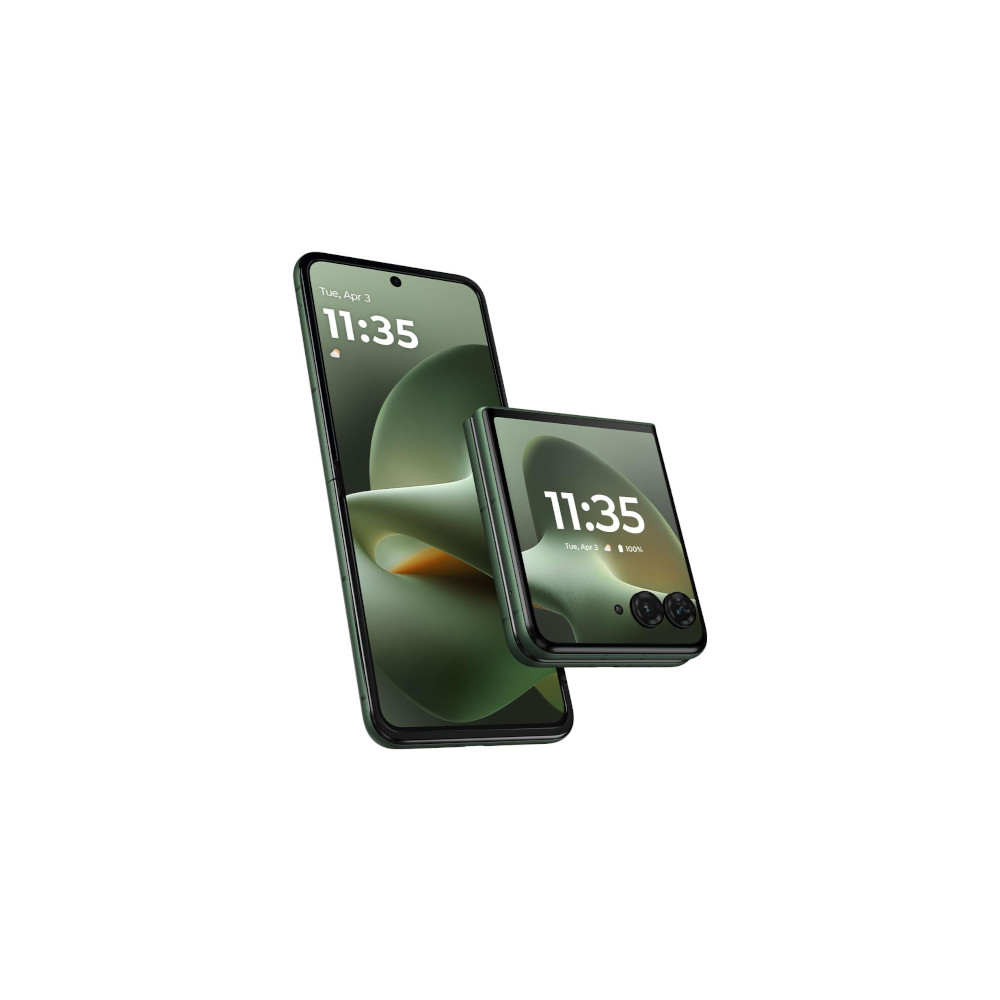
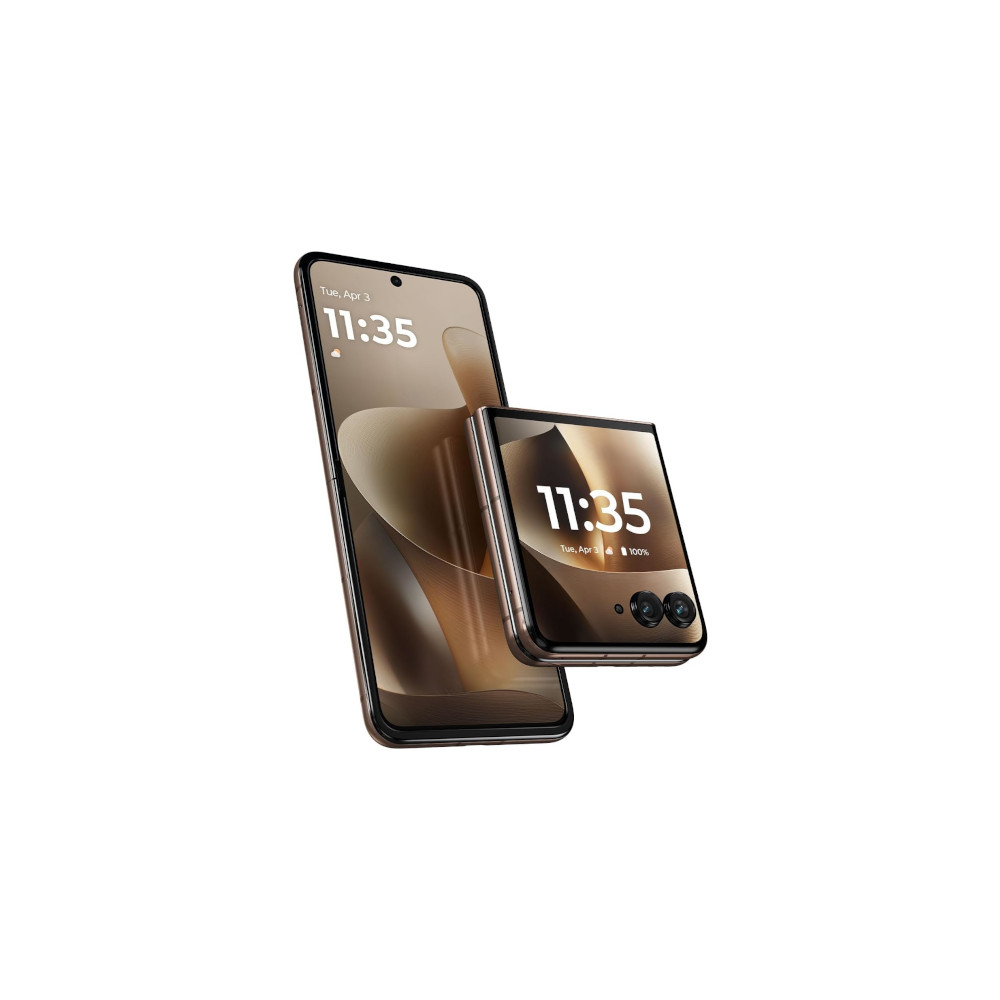
If you have a Motorola that folds in half, you can use desk display to get glanceable information from your phone without having to touch it or wake it up. You can have a big clock or a smaller one with calendar and weather information taking up the other half of the screen. Notifications appear with large text that’s easy to read from a distance, and if you’ve got music playing, you’ll get media controls.
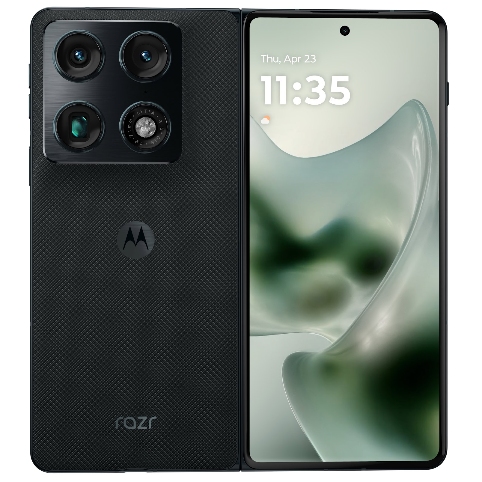
I use my Razr Fold like this all the time. During the day, it sits on my desk, streaming music and showing my notifications; at night, it sits by my bed, letting me see the time and serving as an alarm clock. Samsung has a similar feature called the daily board, but that’s only available on tablets, not phones or foldables. I’d love the upcoming Z Fold 8 or Flip 8 to have something like this.
Manual Material You
Material You is one of my favorite things to happen to Android. I love bright colors, so naturally I love seeing the system UI and apps adopt the colors from my wallpaper. What I don’t love about Material You is how limiting the customization options are. Most phones give you a few color choices based on your wallpaper and a few additional presets, but Motorola goes above and beyond.
If you don’t like any of the presets, you can use a color wheel to pick whatever color you have in mind or a pipette tool to extract one from any image stored on the phone. It’s a small feature, but it makes it easier to set up your phone exactly how you want.
Media controls

I often play music when I’m going to sleep. If I want to repeat a song I just heard or skip to the next one, I usually have to open my eyes, grab my phone, turn on the screen, and change the track. I don’t need to do that with a Motorola phone. In the sound and vibration menu in the settings app, you can turn on media controls.
Media controls let you change tracks by holding down the volume buttons whenever the screen is off. Hold down the volume up button to skip to the next track, or hold down the volume down button to go back. It’s a quick and easy way to control your music without having to look at your screen, and I wish more phones had it.
Smart Connect
Smart Connect is an app preloaded on your Motorola phone, and it’s fantastic. It can be installed on any Android or Windows device, and some iPhones and iPads. With a Windows PC, you can use Smart Connect to turn your phone into a wireless webcam, stream your apps, mirror your phone’s screen, or use your phone as a secondary monitor — much like Apple’s Universal Control. You can also use Smart Connect to launch Motorola’s DeX competitor over a wireless connection.
Moto AI works with Smart Connect, which means I finally have a reason to use Motorola’s AI assistant. You can say things like “show my screen on my TV” or “open messages on my PC,” and Moto AI will initiate screen or app sharing through Smart Connect without you needing to do anything.
If you connect to other Android phones, you can sync your clipboard, set up an instant hotspot to share mobile data, or open the other phone’s gallery to view its images. iPads and iPhones are limited to file sharing, which is less useful now that many Android phones support AirDrop.
Smart Connect has been a pleasant surprise, and I’d love to see Google add something like this to all Android phones so that they can work together more easily.

The more I use Motorola’s software, the more frustrated I am by the lack of on-time updates. The software experience is fantastic, offering useful features that rival Samsung’s One UI while also feeling as smooth and sleek as a Pixel. The software experience is good enough that I think Hello UI is my new favorite Android skin, and other smartphone makers should take notes.
Triple 50MP cameras
Big battery
Fast charging
Periscope zoom
Stylus support
Multitasking
Thank you for being part of our community. Read our Comment Policy before posting.