Affiliate links on Android Authority may earn us a commission. Learn more.
First look: Samsung adds new FIFA World Cup goal celebrations to your Galaxy phone's lock screen

- Samsung’s One UI app for the Always-on Display has been updated with new animations for the upcoming FIFA World Cup.
- New animations will appear across the Now Bar on the lock screen and AOD whenever there’s a new goal or a red card.
- We bring you the first look at these animations, even before they’re spotted in the wild.
Lock screen and Always-on display on Galaxy smartphones received a major overhaul with One UI 8.5. The update brought dynamic, more colorful clock options that automatically adjust to and skirt around faces or objects in the lock screen wallpaper, which were previously only available through the LockStar Good Lock module.
Just a few months later, Samsung is bringing a new update for soccer fans. Samsung has rolled out a fresh update to the Always-on display (AOD) on Galaxy smartphones, bumping the app’s version to 8.9.36.23, with features to help users keep up with updates from the upcoming FIFA World Cup 2026.
Don’t want to miss the best from Android Authority?
- Set us as a favorite source in Google Discover to never miss our latest exclusive reports, expert analysis, and much more.
- You can also set us as a preferred source in Google Search by clicking the button below.


According to the changelog, One UI’s “Always On Display” app gets a “new UI animations for Google Sports soccer goal celebrations and key moments in Now Bar.” This appears to be in preparation for the FIFA World Cup, which kicks off (literally) later this week and will be jointly hosted in the US, Canada, and Mexico — the first time since 1994.
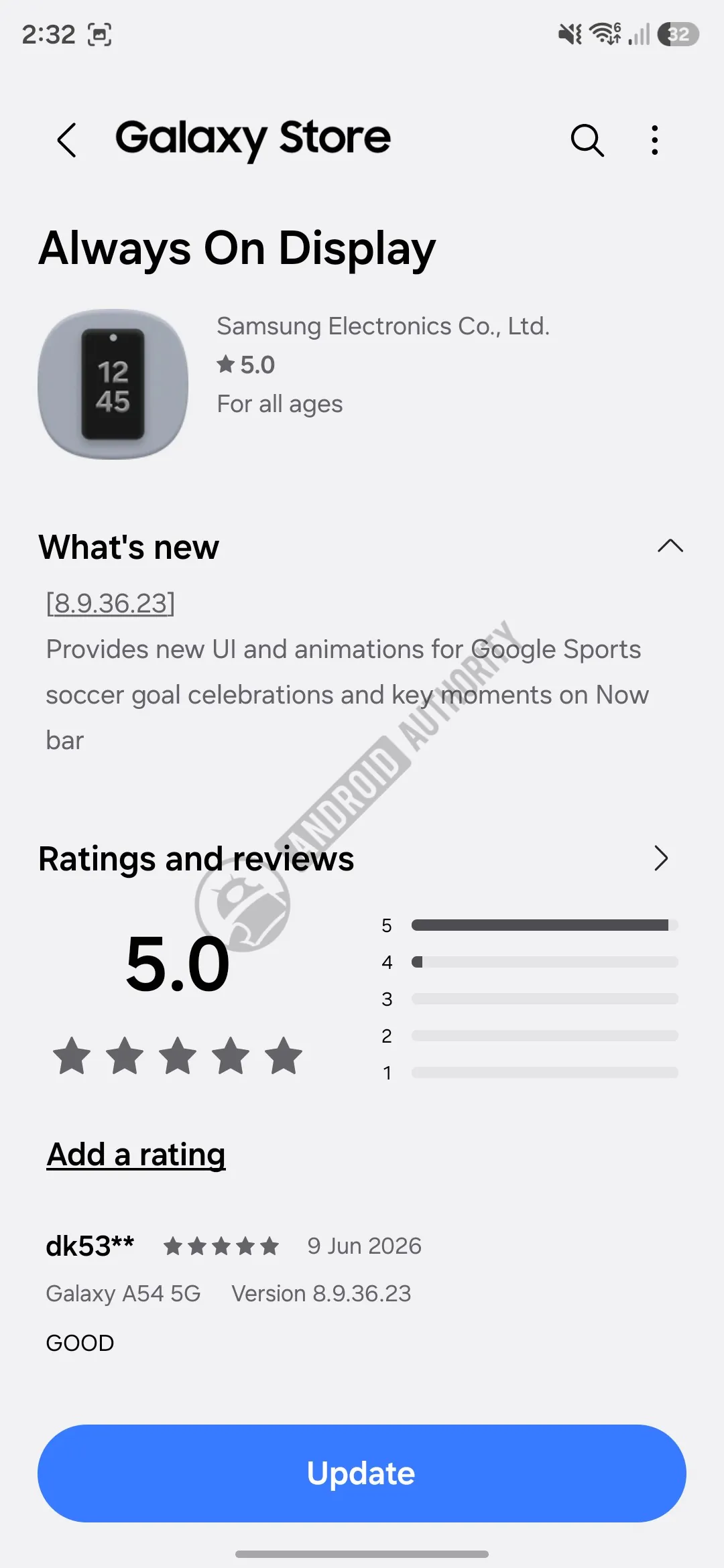
We don’t see the new animations on the phones at the moment, but we were able to pull out animations from the latest app package.
The following animations appear in the Now Bar on your lock screen and on the AOD if the Now Bar is enabled. The first one shows a celebration, with confetti falling down.
The next one shows a goal, with the soccer ball (football) hitting the net. The same animation repeats thrice, and it’s possible that it does the same on your Galaxy device’s lock screen.
The final one is for a red card, and it might show up on the side of the team that receives it, though we have yet to confirm that.
To get these alerts, head over to the Galaxy Store on your phone, look for any pending app updates, and update the Always On Display app. Here’s a direct link if you want to skip the steps.
Additionally, go to Settings > Lock screen and AOD > Always On Display on your Galaxy phone, and ensure Show Now bar is turned on. You must also enable sports-related updates from your Google Discover homepage.
Finally, since One UI’s Always On Display app is tied to the lock screen, these animations may also appear there. While we’re noticing them on One UI 8.5, these celebrations might also be available on older devices if you can install the update.
Thank you for being part of our community. Read our Comment Policy before posting.