Affiliate links on Android Authority may earn us a commission. Learn more.
Samsung's Tizen-based Galaxy Watch gets an unofficial Wear OS 3.5 port

Nov 24, 2026 — 5:04 AM ET
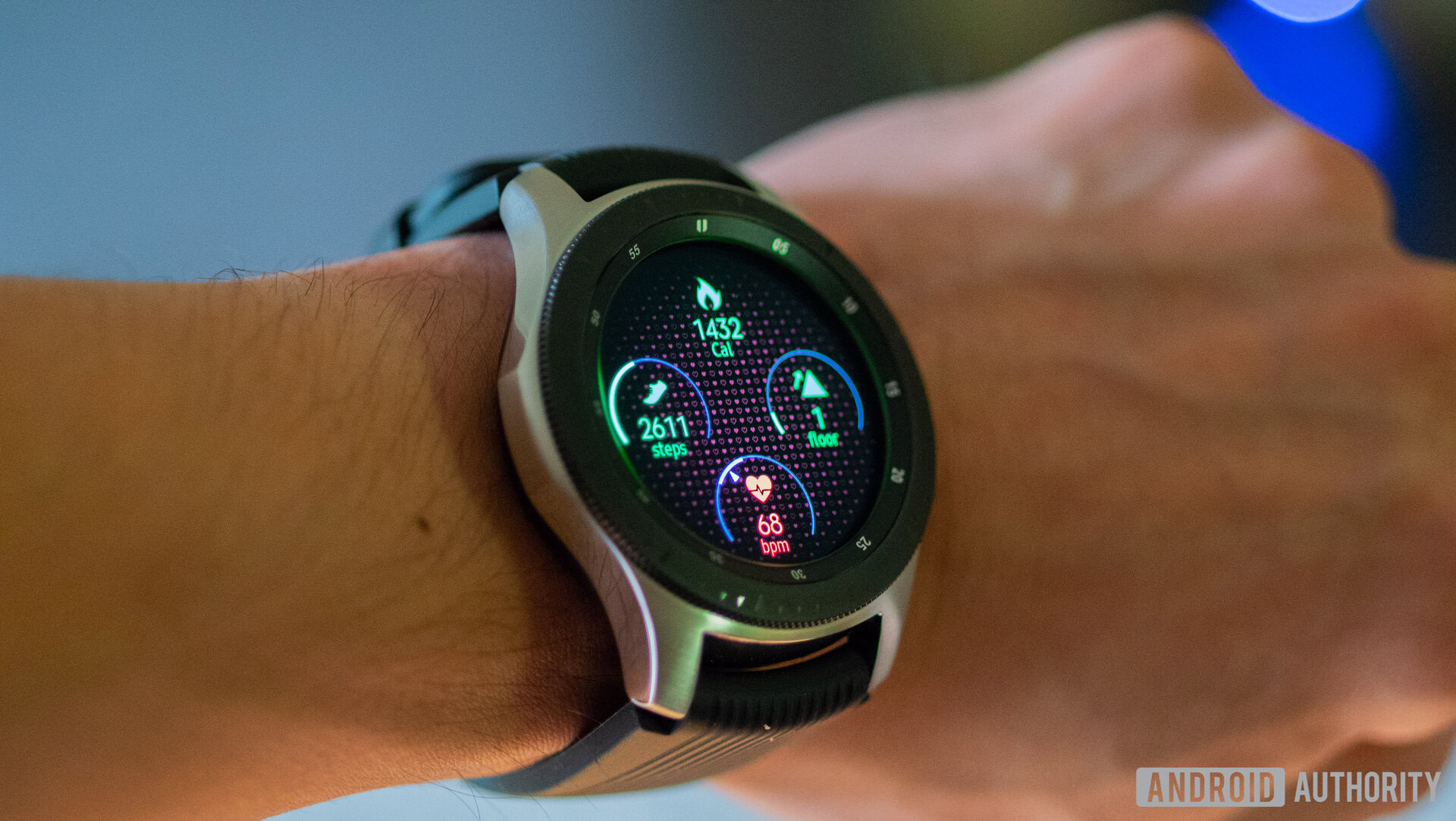


- A developer has released an unofficial Wear OS 3.5 port based on Android 11 for the original Samsung Galaxy Watch (SM-R800).
- The port uses Pixel Watch software and reportedly supports Gemini, the Play Store, GPS, and health tracking.
- The port and installation guide are available on GitHub, though it remains experimental.
Samsung’s switch from Tizen to Wear OS in 2021 opened up a whole new world of apps and Google services for Galaxy Watch owners. But you needed a Galaxy Watch 4 or newer to enjoy those benefits. Older models were left behind, and as Samsung wound down its Tizen smartwatch ecosystem, their usefulness gradually diminished. However, one developer is giving the original Galaxy Watch another shot at life.
A developer known as Depth118 has shared an unofficial Android 11-based Wear OS 3.5 port on GitHub for Samsung’s 2018 Galaxy Watch. The project uses software from the original Google Pixel Watch, which, despite launching four years later, shares the same Exynos 9110 processor. The port is specifically designed for the 46mm Bluetooth Galaxy Watch (SM-R800), and the list of features the developer claims to have working is surprisingly extensive.
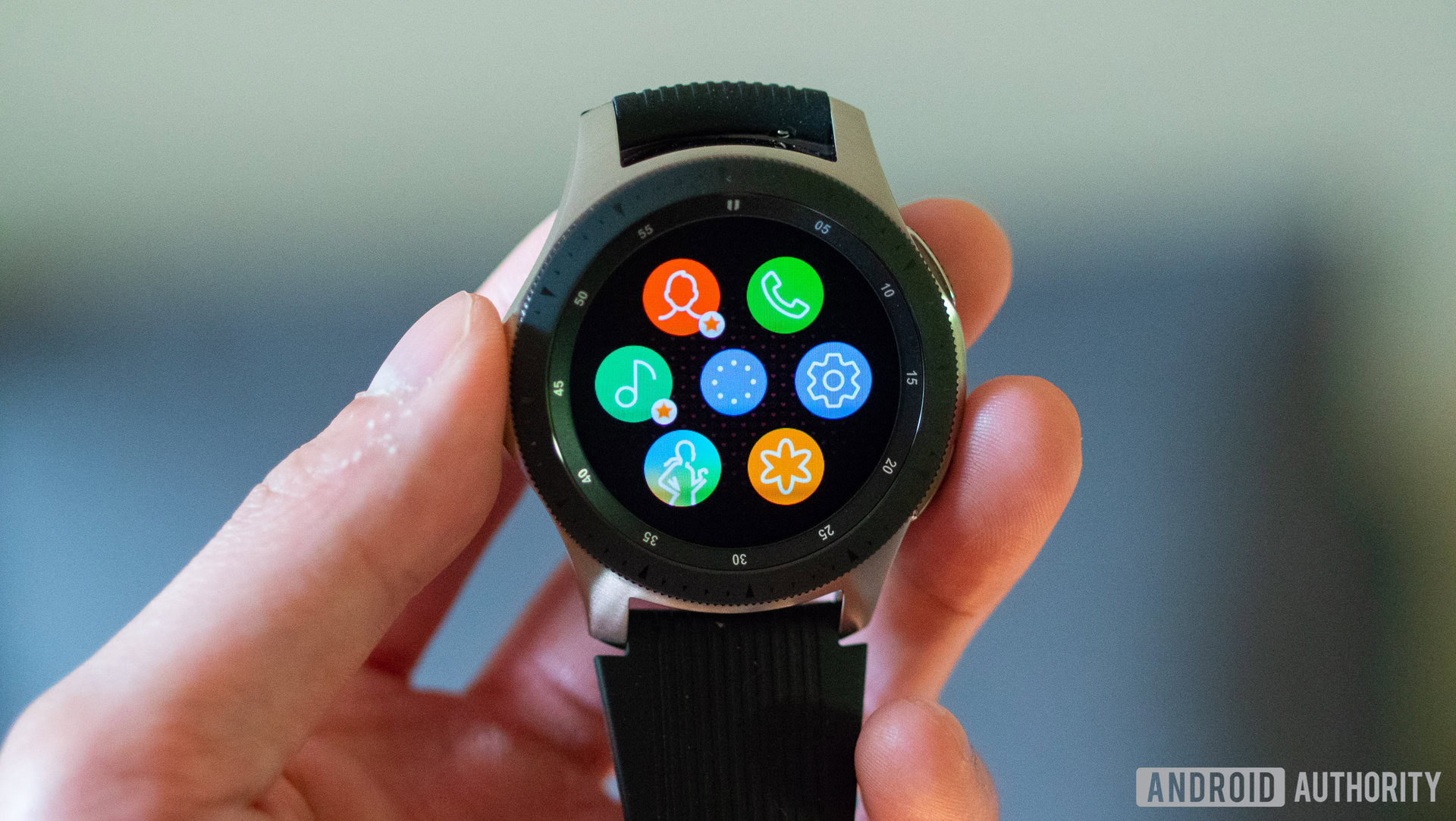
Besides the touchscreen, physical buttons, and rotating bezel, the port reportedly supports Wi-Fi, Bluetooth, GPS, heart rate monitoring, step tracking, and an always-on display. You can apparently pair the watch with a phone, receive notifications, download apps from the Play Store, and even summon Gemini with your voice or by double-pressing the bottom button.
Of course, there’s a catch. The developer says the software has only been tested on a single watch. Deep sleep also works only partially, which could affect battery life.
Perhaps more importantly, nobody has tested the installation on a watch still running Samsung’s original retail bootloader. Installing the port completely replaces Tizen, so there’s a risk it could render your watch unusable if something goes wrong. While the developer says you can return to Tizen by flashing Samsung’s stock firmware, we wouldn’t recommend trying this without some flashing experience.
The software and installation instructions are available on GitHub. You’ll need a computer with Wi-Fi, but there’s no need to physically modify the watch.
For now, this is more of an impressive proof of concept than a dependable software upgrade. Still, the prospect of downloading apps from the Play Store and talking to Gemini on a smartwatch released three years before Samsung embraced Wear OS is quite something.
Conversation
Read what readers said or add your take.