Affiliate links on Android Authority may earn us a commission. Learn more.
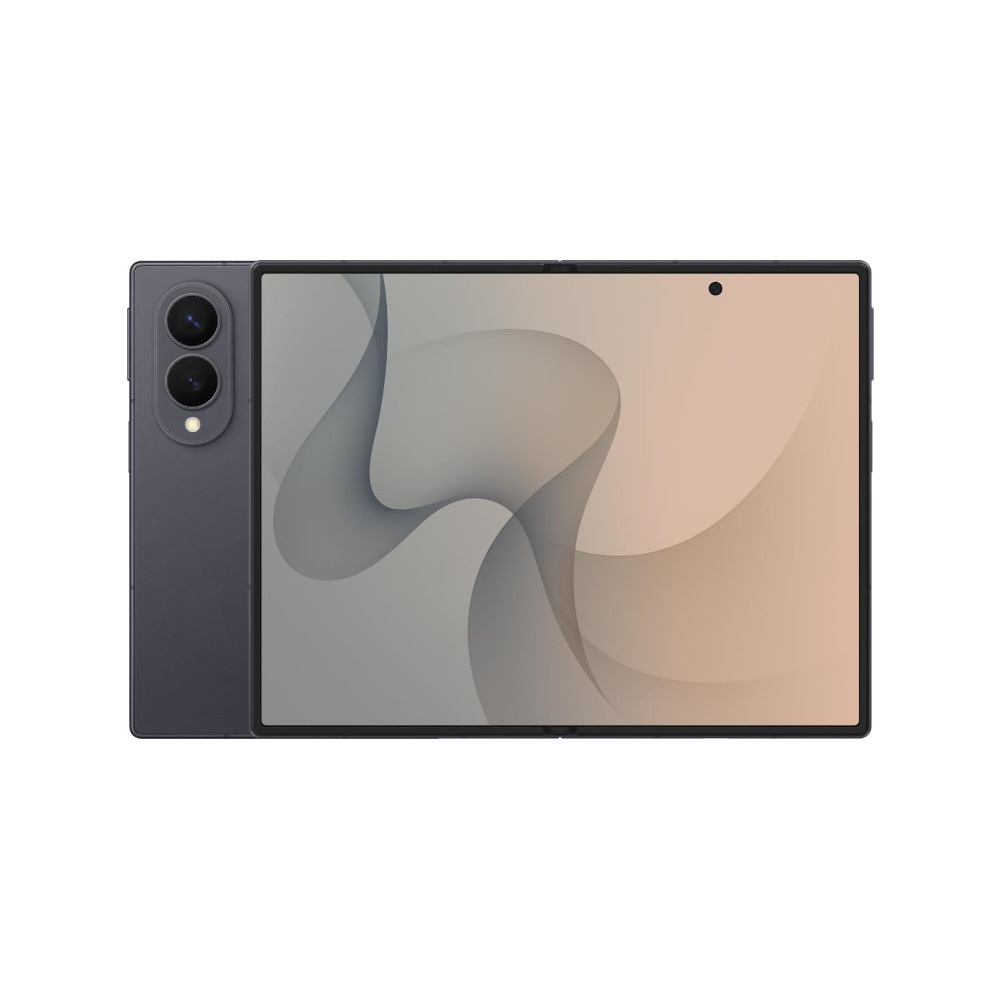
The Galaxy Z Fold 8 series borrows one of the best foldable multitasking ideas
Jul 24, 2026 — 3:11 AM ET



- One UI 9 introduces a new Open Canvas-style 90:10 three-app split-screen layout on the Galaxy Z Fold 8 series.
- The wider Galaxy Z Fold 8 can arrange three apps side by side vertically, while the Galaxy Z Fold 8 Ultra is limited to one large app alongside two stacked apps.
- Samsung’s own documentation confirms that the Galaxy Z Fold 8 Ultra supports new two-way and three-way split views, but it doesn’t detail the layouts.
Samsung spent plenty of time talking about Galaxy AI, bigger batteries, and thinner hardware during its latest Galaxy Unpacked event, but one of the most interesting improvements to the Galaxy Z Fold 8 series may have flown under the radar.
One UI 9 introduces a new Open Canvas-style multitasking layout that makes better use of the foldable display by allowing three apps to share the screen in new ways.
The feature isn’t something Samsung highlighted, but it could be a handy improvement for power users.
We first discovered this thanks to a Reddit user who shared that the Galaxy Z Fold 8 and Z Fold 8 Ultra can now arrange three apps side by side using a 90:10-style split, similar to the Open Canvas multitasking experience found on OnePlus and OPPO’s foldables. The layout on the two foldables also supports the more traditional configuration with one large app on one side and two stacked apps on the other.
We tried this out for ourselves on a review unit of the Galaxy Z Fold 8, and sure enough, the phone supports a 90:10 split for three apps as well as the ability to stack three apps side by side, vertically.
The Galaxy Z Fold 8 Ultra, however, appears to be more limited. According to the Reddit user, Samsung’s flagship foldable supports the one-plus-two stacked layout but not three apps arranged vertically side by side. Other users in the thread speculate that this could be because the Ultra’s narrower display isn’t optimized to fit three usable app windows side by side.
On its official One UI 9 page, Samsung says that the Galaxy Z Fold 8 Ultra supports both two-way and three-way split views, allowing users to freely switch between multiple apps. However, the company doesn’t explain exactly how those layouts work or that they may differ between the Galaxy Z Fold 8 and Galaxy Z Fold 8 Ultra.
We’ll be testing the Galaxy Z Fold 8 series ourselves to see exactly how these new split-screen layouts behave in practice and whether Samsung has made other multitasking improvements in One UI 9 that haven’t been officially reported.
Thanks for the tip, Dylan
Thanks for the images, Sanuj
Thank you for being part of our community. Read our Comment Policy before posting.