Affiliate links on Android Authority may earn us a commission. Learn more.
Samsung phones can soon nudge you when you miss your usual charging window


Nov 27, 2026 — 3:11 AM ET
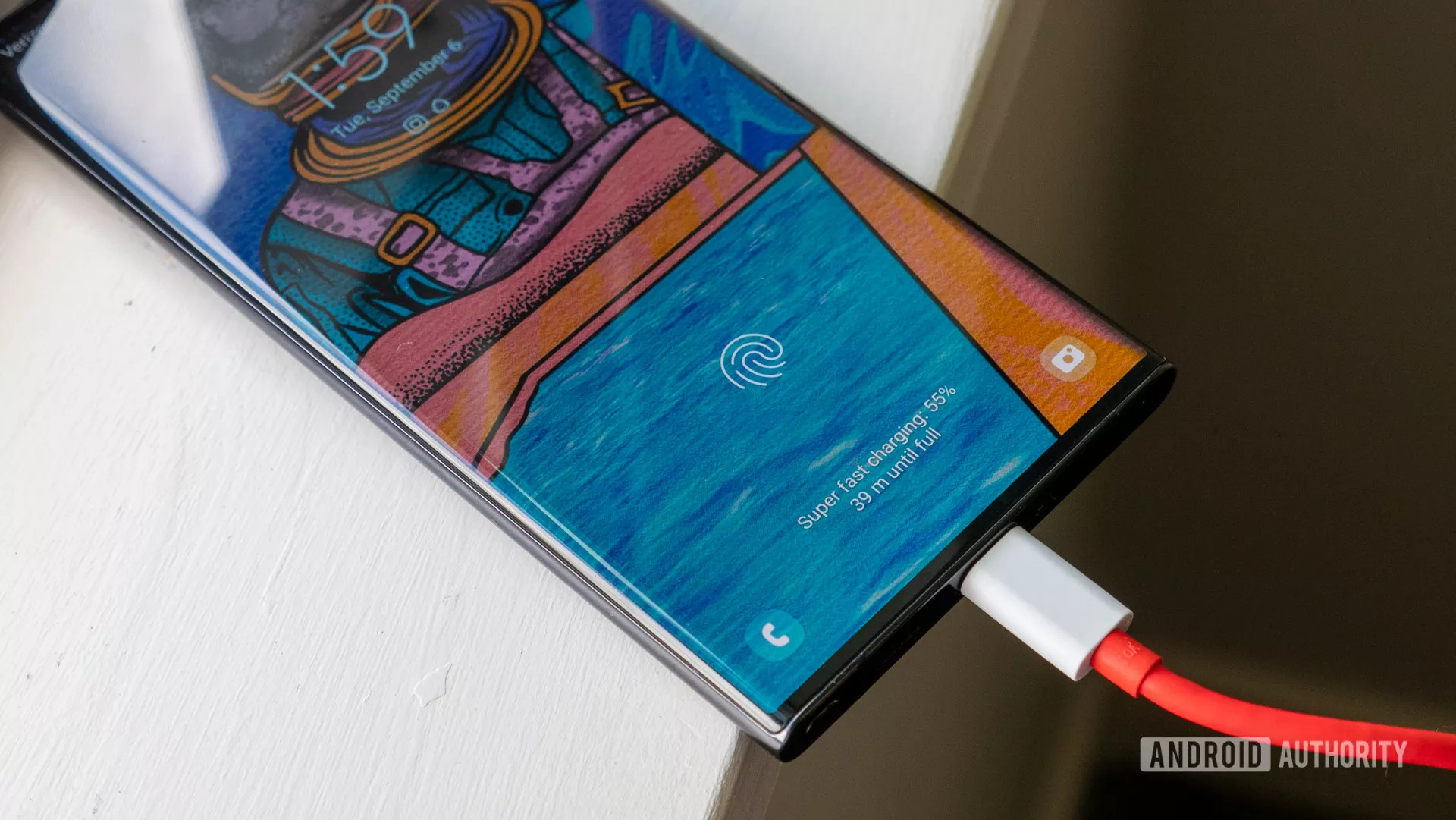


- Samsung’s One UI 9.5 beta can apparently tell you when you’ve missed your usual charging time.
- This alert will show up in the Settings menu and will also show how many hours of battery life you have left.
- This feature could be very useful if you’re forgetful or busy.
Samsung recently launched the One UI 9.5 beta program, allowing Galaxy S26 owners to get their hands on the latest software before the stable release. We’ve already uncovered plenty of features, but it looks like the company has a convenient charging-related feature up its sleeve.
APK teardown
This reporting is based on work-in-progress code. These features may not ship.
We’ve dug into the Device Care app (v13.9.00.12) in One UI 9.5 and discovered that Samsung phones could soon issue an alert when you’ve missed your usual charging time. We can confirm that this alert will appear when the battery is at 20-30% capacity, your phone isn’t charging, and power-saving modes are disabled. Check out the string below.
<string name="suggest_appbar_charging_description">You missed your usual charging time.</string>We’ve also uncovered strings (seen below) which show that the alert could use events in your default calendar for context. More specifically, the alert could mention that your battery might be low for a workout, movie, meeting, or show/concert at a given time. If you don’t have a matching calendar event, then the feature will fall back to the alert message seen in the string above.
<string name="suggest_appbar_exercise_description">Battery may be low for your workout at %s.</string>
<string name="suggest_appbar_meeting_description">Battery may be low for your meeting at %s.</string>
<string name="suggest_appbar_movie_description">Battery may be low for your movie at %s.</string>
<string name="suggest_appbar_performance_description">Battery may be low for your %1$s at %2$s.</string>
So how does this actually work? Well, you’ll first need to enable Samsung’s personalized suggestions option and have a device with One UI 9.5. The phone will then identify your preferred charging window by learning from four weeks of charging history, as retained by the Smart suggestions app. The device will then check if the current hour falls within this preferred charging window, and display the alert if this is the case. The code suggests that if you dismiss the alert, it won’t come back again for 24 hours, even if all other conditions are met. Oddly enough, we also found evidence that Samsung can remotely turn off this card.
There’s no country check, while the evidence we’ve uncovered also suggests that it won’t be exclusive to the Galaxy S27 series. So this charging alert could potentially come to older Galaxy phones in many markets.
What could these charging alerts look like?
SamMobile also posted a screenshot showing off this alert. It’s unclear whether this feature is available in some capacity or if the outlet manually enabled it by tinkering with the software. Check out the image below.

This notification apparently pops up at the top of the Settings menu. It also includes a graphic showing how many hours of battery life you have left and how much usage time you’ll gain if you enable battery-saving mode.
I can see this proactive alert being very useful for people who either forget to charge their phones or those who are very busy. That battery life graphic should also help you make up your mind about whether you need to charge your device straight away.
Either way, this charging alert seems like a very sensible addition to One UI 9.5. We hope other Android OEMs copy Samsung and implement this in their own software skins.
Conversation
Read what readers said or add your take.